
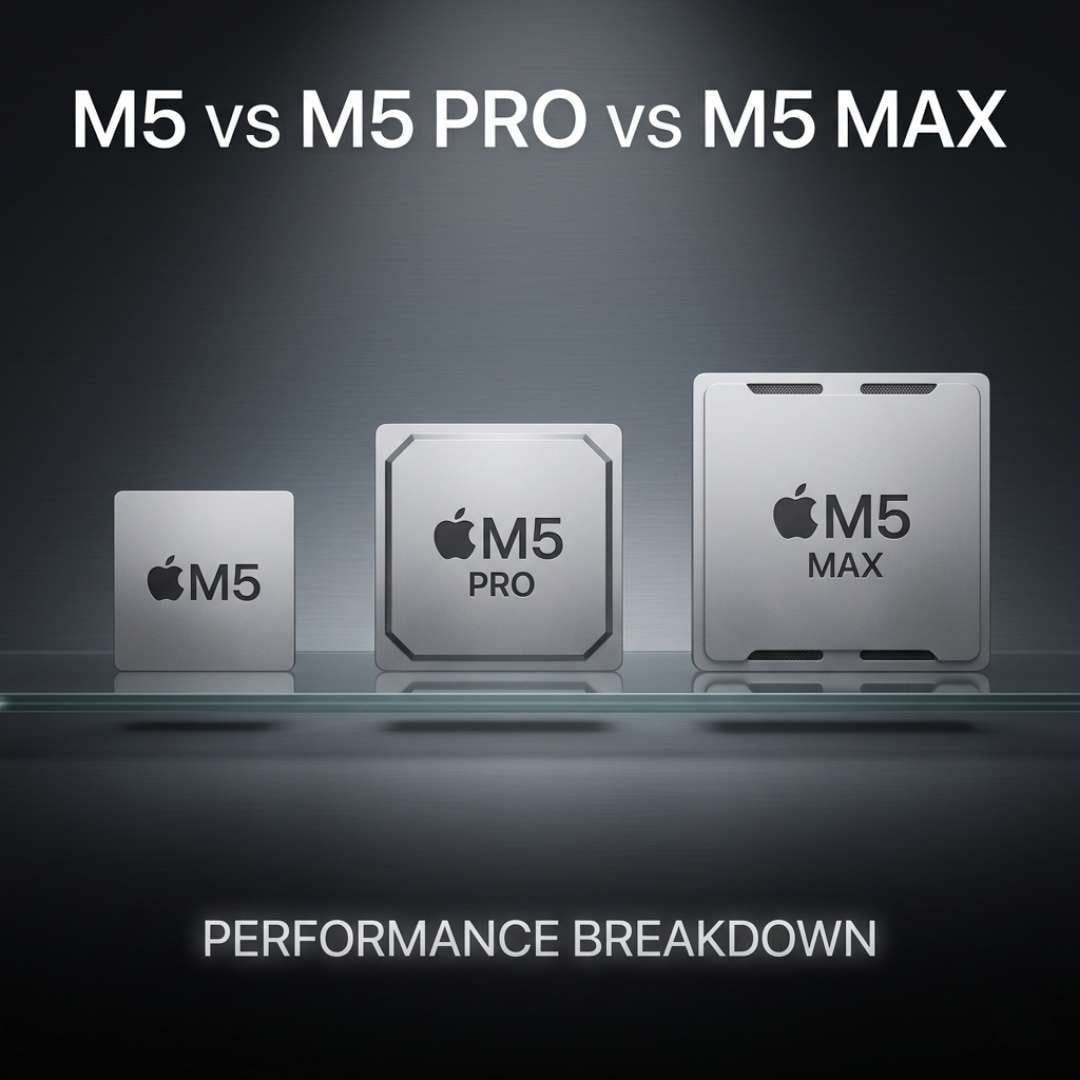
Every few years, Apple vows to redeem itself with something that breaks the internet and gets it off of Redditt-ers’ hate list. This year, it did just that with the all-new M5 chips.
We kid you not when we say that the M5, M5 Pro, and M5 Max chips have so much potential. They could literally make you go bonkers… with confusion. Because what do you mean we get to choose only one? And if that is the case, then how, on what basis, should you cherry-pick between the three? We say you look for the performance, because those super cores ain’t there for nothing.
This choice is definitely a tough one, which is why we’ve crafted this blog highlighting all the tidbits that’ll impact the performance. Happy reading!
M5 Chip - Overview
Apple M5 is the first chip of the M5 family (what we call the standard version). Now, one would think that being the standard chip, it must be pretty basic. Little do they know, it is anything but basic. The standard variant comes in the 2026 MacBook Air and MacBook Pro (14-inch) models. It’s built on a third-generation, 3nm process node, which basically allows the chip to squeeze more power, more efficiency, and more capability to stay cool (and more everything good) in less space. This practically benefits MacBook Air and Pro laptop designs, which are supposed to be super thin and lightweight.
Processor Specs | Details |
Die Architecture | Single |
Total CPU cores | 10 |
Super Core | 4 |
Efficiency Cores | 6 |
GPU Cores | Up to 10 |
Neural Engine | 16 core |
Max Unified Memory | 32 GB |
Memory Bandwidth | 153.6 GBps |
Media Engine | H.264, HEVC, ProRes, AV1 Decode |
Thunderbolt Version | Thunderbolt 4 |
Max External Displays | Up to 2 |
M5 Pro Chip - Overview
The M5 Pro is the advanced version of the standard M5 chip. In our opinion, it’s where things start getting seriously interesting. Mostly because the Pro doesn’t just add a few more cores and call it a day, it features a completely different die architecture than the standard M5. Sure, it’s also based on the 3nm process node, but unlike the standard one, it’s got two 3nm dies. So now, you get double the silicone, with considerably more performance headroom. The M5 Pro basically targets video editors, engineers, and such working-class people who need more power.
Processor Specs | Details |
Die Architecture | Dual |
Total CPU cores | Up to 18 |
Super Core | Up to 6 |
Performance Cores | Up to 12 |
GPU Cores | Up to 20 |
Neural Engine | 16 core |
Unified Memory | Up to 64 GB |
Memory Bandwidth | 307 GBps |
Media Engine | H.264, HEVC, ProRes, ProRes RAW, AV1 |
Thunderbolt Version | Thunderbolt 5 |
External Displays | Up to 3 |
M5 Max Chip - Overview
Apple M5 Max is by far the one processor in its family featuring the highest and best possible specs. Higher gigabytes of memory, better bandwidth, more cores - whatever it is, you name it, this one right here has got you covered! Even though it’s built on the same 3nm, dual die design as the Pro, this baby simply has extended limits. What makes the M5 Max stand out even brighter among the three is its double Media Engine. With this processor, you can stream twice as many videos at once with no stutters whatsoever. This is what makes this processor ideal for VFX artists, AI researchers and developers, as well as architects and scientists who don’t want their laptops to tap out mid-work.
Processor Specs | Details |
Die Architecture | Dual |
CPU cores | 18 |
Super Core | 6 |
Performance Cores | 12 |
GPU Cores | Up to 40 |
Neural Engine | 16 core |
Unified Memory | Up to 128 GB |
Memory Bandwidth | Up to 614 GBps |
Media Engine | H.264, HEVC, 2x ProRes, ProRes RAW, AV1 |
Thunderbolt Version | Thunderbolt 5 |
External Displays | Up to 4 |
Performance Difference Between the M5, M5 Pro, & M5 Max
Reading through the specs alone won’t help you decide which one’s the best. The explanation below would help a lot, though.
CPU Cores
To understand how they affect your performance, first you need to understand the different core types. So, traditionally, laptop processors used Performance and Efficiency cores, with the P ones being the superior ones. The E ones basically worked to balance your workload with the battery. Then came Super cores, which are the most aggressive by far.
These cores are built to deliver raw speed through and through, no matter what task you’re doing. Now, the standard M5 features a combination of Super and E-cores, which means they offer decent speed without draining the battery. But the Pro and Max versions go all out with a killer combo of Super and P-cores. From a real-world usage perspective, Pro and Max give ten-on-ten speed.
GPU Cores & Architecture
While a CPU core handles one complex task at a time, the GPU core is designed to tackle multiple (like thousands) simple tasks at once. These cores render graphics, do the general multitasking, while also displaying the rendered graphics to your screen. This is why more graphics cores are always a plus point. Also, this is where the Max supersedes the Pro, which itself supersedes the standard M5 chip.
Similarly, there’s the Neural Accelerator, which handles all the AI related + graphics related tasks; from using AI-backed apps to yapping with Siri. Now, for every GPU core, there is a Neural Accelerator backing it up. This again makes M5 Max take the win with the Pro being the runner-up.
Neural Engine
The MacBooks of 2026 have a common point - the 16-core Neural Engine. It’s sort of a dedicated NPU that’s wired to handle all kinds of AI workloads, as long as they involve matrix multiplication. Confused? Don’t be. Matrix multiplication is a mathematical model that is used in every AI and machine learning task. So whether you’re doing image recognition or speech transcription, the Neural Engine is at the back doing these calculations.
Now, even though the Neural Engine core count of the three M5s is the same, their bandwidth is what makes a difference. The standard processor has the base Neural Engine memory connection. However, the Pro and Max have a higher bandwidth. The higher bandwidth makes sure that your MacBook answers your AI commands or queries as soon as possible.
Media Engine
For anyone who works with videos professionally, the Media Engine is the real deal. It’s actually the most important component on the Apple processor that makes a world of difference. But what is a Media Engine? It’s sort of a processor that handles the encoding and decoding when you playback or export videos. When you playback a video, your laptop takes a compressed video file (like a ProRes clip or H.264 export) and decompresses it, decoding it.
Similarly, when you export a video, the Media Engine compresses the file, encoding it (which is technically tougher than decoding). Now, all three M5 chips use the same elements of Media Engine, featuring the H.264, the ProRes, and AV1, among a few others. However, when the M5 and M5 Pro have one Media Engine set, the M5 Max flaunts two. The double advantage makes Max ideal for professional video-related workloads.
Unified Memory & Bandwidth
Before diving into the numbers, let’s first bust some myths. Starting with - Unified Memory and RAM are not the same thing! RAM has separate memory pools (like CPU RAM and GPU VRAM) for which there's a lot of data copying involved. But in a unified memory, there’s one shared pool, which saves the time it takes to copy and paste data, and gives you a dramatically higher efficiency.
Now, the standard M5 has 32 GB of memory with a bandwidth of 153.6 GBps. While it's good for everyday workflows, the M5 Pro’s 64 GB memory at the bandwidth of 307 GBps is even better. But the M5 Max again takes the lead with a unified memory of 128 GB and a bandwidth of 614 GBps. These figures of Max make sure that information can be taken to your GPU, Neural Engine, and Neural Accelerators all at once, and all at the highest speed possible.
Final Verdict - Which Chip is the Best?
The M5 generation is pretty iconic, to be honest. It covers all the basics and is loaded with the best specs ever in the history of Apple. Yet, one remains the all-rounder, the all-time favourite… and that one is the M5 Max. No matter how big the files are, how bulky the workload is, this chip has got you covered. Memory and bandwidth aside, the Max delivers its best blow with its double Media Engine.
The M5 Pro ranks second as its features and overall performance quality lie in the middle. Third, we have the standard M5. Now, these rankings in no way mean that the pro and standard processors are lacking. It’s just the difference in burden each chip can bear. It’s also quite in line with the price tags of each processor, justifying the price tags.