

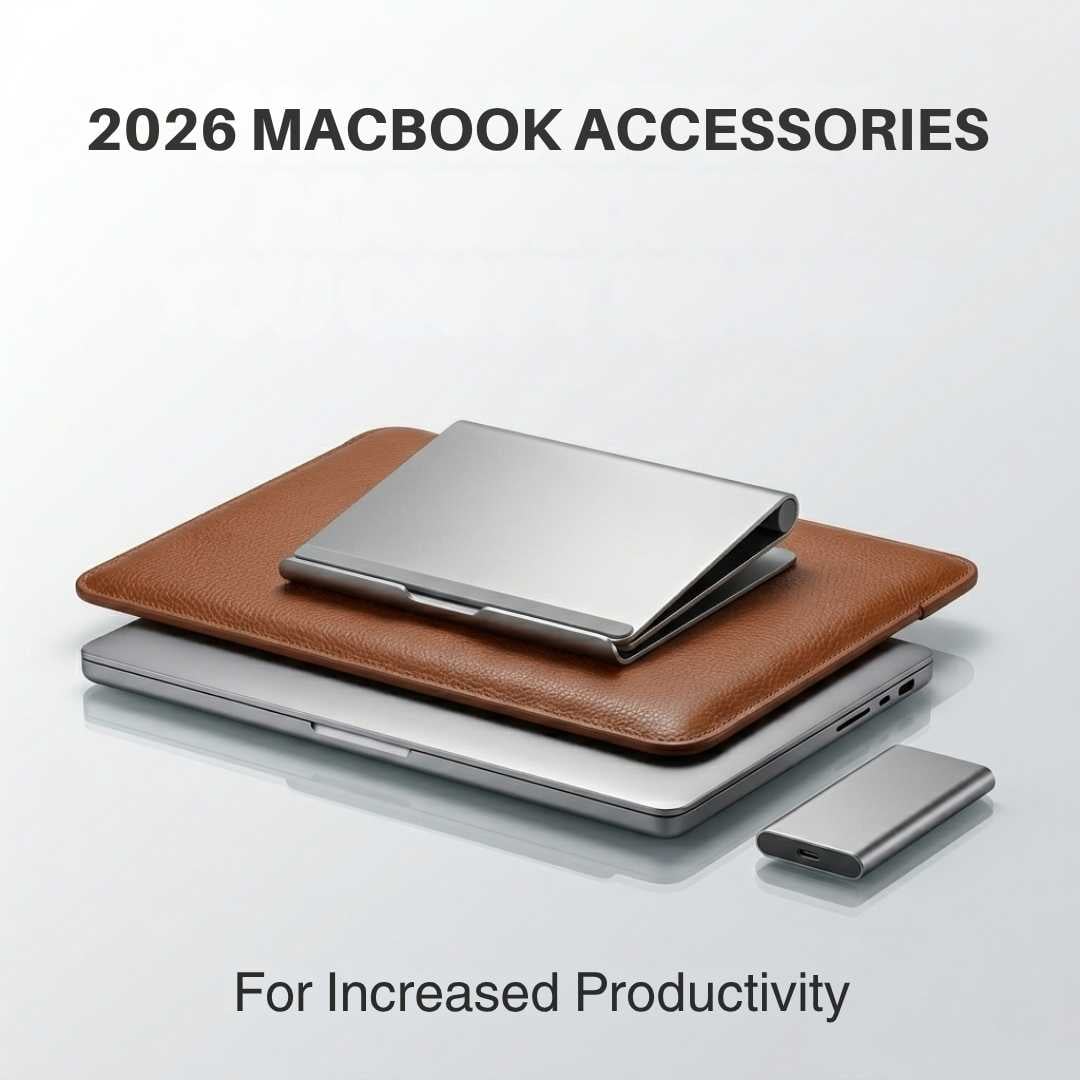
Apple just dropped the most unhinged MacBook lines in years, and honestly… it slayed! Soon, you’ll see influencers dropping unboxing stories on the gram. But you know what comes after the ASMR unboxing? ASMR accessory unboxing! (and no, we’re not talking laptop skins and sleeves).
The new MacBook Air, Pro, and Neo will be the same; what makes them unique is the way you accessorise them. Something that makes these devices feel personal, feel yours. Lucky for you, in 2026, the options are endless. From Thunderbolt docks to external storage, there’s a lot you can invest in.
So, if you’re still not sure what to buy to make your MacBook stand out from the rest, this guide is for you. It’ll help you decide which accessories really make a difference for your MacBook in 2026.
Best Overall Accessories For 2026 MacBooks
Accessory | Function | MacBook Fit | Priority of Purchase |
Thunderbolt 5 Docks | Connects Mac notebook to everything on your desk | Pro - M5 Pro & Max | Essential |
USB-C Hubs | Adds more ports | Air & Pro - Standard M5 | Recommended |
Portable SSD | Backup drive to make up for the lack of storage | Air & Pro - Standard M5, as well as Neo | Essential |
Thunderbolt 5 NVMe Enclosure | External storage that imitates MacBook’s storage speed | Pro - M5 Pro & Max | Recommended |
Wireless Keyboard & Mouse Combo | More comfortable substitute for your notebook’s keyboard & trackpad | Air & Pro - Standard M5, as well as Neo | Recommended |
Premium Ergonomic Keyboard & Mouse | Provides backlit keys, smart scroll wheels & customizable buttons | Pro - M5 Pro & Max | Recommended |
Accessories for Better Connectivity
One of the major highlights of the 2026 MacBooks is their port selection for connectivity. The Pro line has the all-new Thunderbolt 5. Though the MacBook Air and the Standard M5 variant don't have this feature. This is why the following accessories are a must-have.
Thunderbolt 5 Docks
Thunderbolt 5 is a connectivity medium which gives you a data transfer speed jump of up to 80 GBps. With its Bandwidth Boost, you can easily expect a data transfer speed of 120 GBps. Now, a Thunderbolt 5 dock is a small-sized box that comes with a cable (which looks almost similar to a USB-C cable).
When you connect the dock to your Apple notebook, instead of one-by-one connecting it to the SD card, the charger, the receiver, and other components, you’re connecting it to the entire system at once. How does it help? For starters, the dock has a 10-gigabit Ethernet, which gives you the fastest possible wired connection. It also provides 140W of charging power and, most importantly, a tidy desktop setup.
Must we mention, it can support up to 240W of power delivery. This means that with Thunderbolt 5, you can handle the most power-hungry setups with a single cable now.
USB-C Hubs
The MacBook Air and standard M5 MacBook Pro don’t have a Thunderbolt 5 port (which is sad). Guess you’ll have to make do with the Thunderbolt 4 (USB-C) ports. But what if you could expand the two USB-Cs into multiple ports? That’s what the USB-C hub does! And get this, the USB-C port extender is smaller in size than the Thunderbolt 5 dock.
With a USB-C hub, you get an HDMI output through which you can connect your Apple notebook to an external monitor. There’s also an Ethernet port, because a good internet connection is non-negotiable. You can also use these ports for charging or for a USB-A connection.
Also, the USB-C hub gives you a dual monitor setup while saving you from the constant dangling of wires.
Accessories for Faster Storage
The M5 chip has exceptionally good internal storage, no doubt. However, when it comes to external storage, you might get frustrated easily because the photo and video offloading takes up quite a long time. But with the accessories below, you can counter these issues like a pro.
Portable SSD
If you’re working with large files on an everyday basis, a portable SSD would be just the right fit for you. Not only does this drive have high read speeds, but it’s also got a huge capacity (we’re talking 1, 2, and 4 TBs). This little gadget is more than enough to store your files, projects, and assignments in it, just the way you would store them on your laptop.
What we love the most about it is that it’s a pretty compact device (can fit in your pocket). There’s a single cable attached to it, probably a USB-C cable, which you can connect to your Apple notebook for file transfer. Now it’s understandable why users of MacBook Air, Neo, and the standard M5 would use this drive, but the M5 Pro and Max users can also benefit from this drive. It’s a great way to copy your work and save it in case your laptop gets stolen.
Thunderbolt 5 NVMe Enclosure
The Thunderbolt 5 NVMe Enclosure is a device that physically resembles a simple 5G internet device. It’s basically a storage drive that connects to your Mac Pro through the Thunderbolt 5 cable for speedy external storage. Just think of the NVMe SSD as the main thing - the engine, with the cable being the path that leads to and from the MacBook.
Now, how is the NVMe Enclosure different from a regular portable SSD? A regular portable SSD (even the fastest one) has a max speed of 2000 MB/s, which is not much. On the other hand, the NVMe Enclosure tops out at around 7000 MB/s in most cases (but it can go up to 10,000 MB/s). This high of a storage speed saves your time and also kind of ensures that you have more than enough storage capacity. With this enclosure, your internal storage stays clean because even the Mac M5 Pro and Max can get their internal SSDs full if you're dealing with bulky files.
Accessories for a Better Typing Experience
The built-in keyboard and trackpad of the Mac are genuinely exceptional and do the job for the most part. But, the moment you dock your laptop to an external display and sit in an alert position, it gets tough to reach the keyboard and trackpad. And that’s when a detached keyboard and mouse come in handy.
Wireless Keyboard & Mouse Combo
If you’re a student or an everyday user, a wireless keyboard and mouse for the Mac can be a literal lifesaver. For the keyboard, you should look for scissor-switch keys (just like Apple’s) that reduce finger strain when you’re typing for long hours. Though difficult to clean, these keys are quite comfortable with the less pressure they require. Also, make sure that the keyboard has multi-device pairing so that you can connect it to your laptop and iPad at the same time.
A wireless mouse can also prove to be an asset for your setup by giving your wrists more space and flexibility to sort of maneuver. When looking for a wireless mouse that fits right in your palm, you should also look for comfort and adjustable DPI!
It's important so that your cursor can move as far as possible with every inch you move your mouse. High DPI allows effortless dual-monitor navigation and for pixel-perfect precision, you can adjust the settings depending on your usage.
Premium Ergonomic Keyboard & Mouse
The M5 Pro and Max chips target the creative professionals with heavy workflows; that’s settled. But their laptops lack the ambient light sensing, programmable keys, and app-specific shortcut keys that are available in a premium ergonomic keyboard. With a premium ergonomic keyboard, you get all that. The backlit keys with full size numeric layout (visible in all kinds of lightning) is the actual deal-maker of this gadget.
Similarly, with a premium ergonomic mouse, your wrist will get extra support in its natural resting position. Such a mouse also features high-precision optical sensors that work on any nitty-gritty surface, tracking accurately. There are also customizable buttons on the sides of the scroll wheel that are basically for app-specific actions. All these features make your video editing experience go smoothly without any hurdles.
Final Words
Buying a MacBook is a big deal because the price tag’s pretty big. However, you can’t really make the most of it without the right accessories. Remember, even the biggest of celebs need a supporting crew. So, with a Thunderbolt 5 dock and portable SSD, you can sort out the two major shortfalls of connectivity and storage in your 2026 laptops.
These are essentials without which you might (at one point or another) feel like a laptop by Apple was not that good of an investment after all. The rest of the accessories, like wireless and premium keyboard and mouse, the USB-C hub, and the NVMe Enclosure are for enhancing the experience. These gadgets make your user experience go from a ten to a twelve.





