

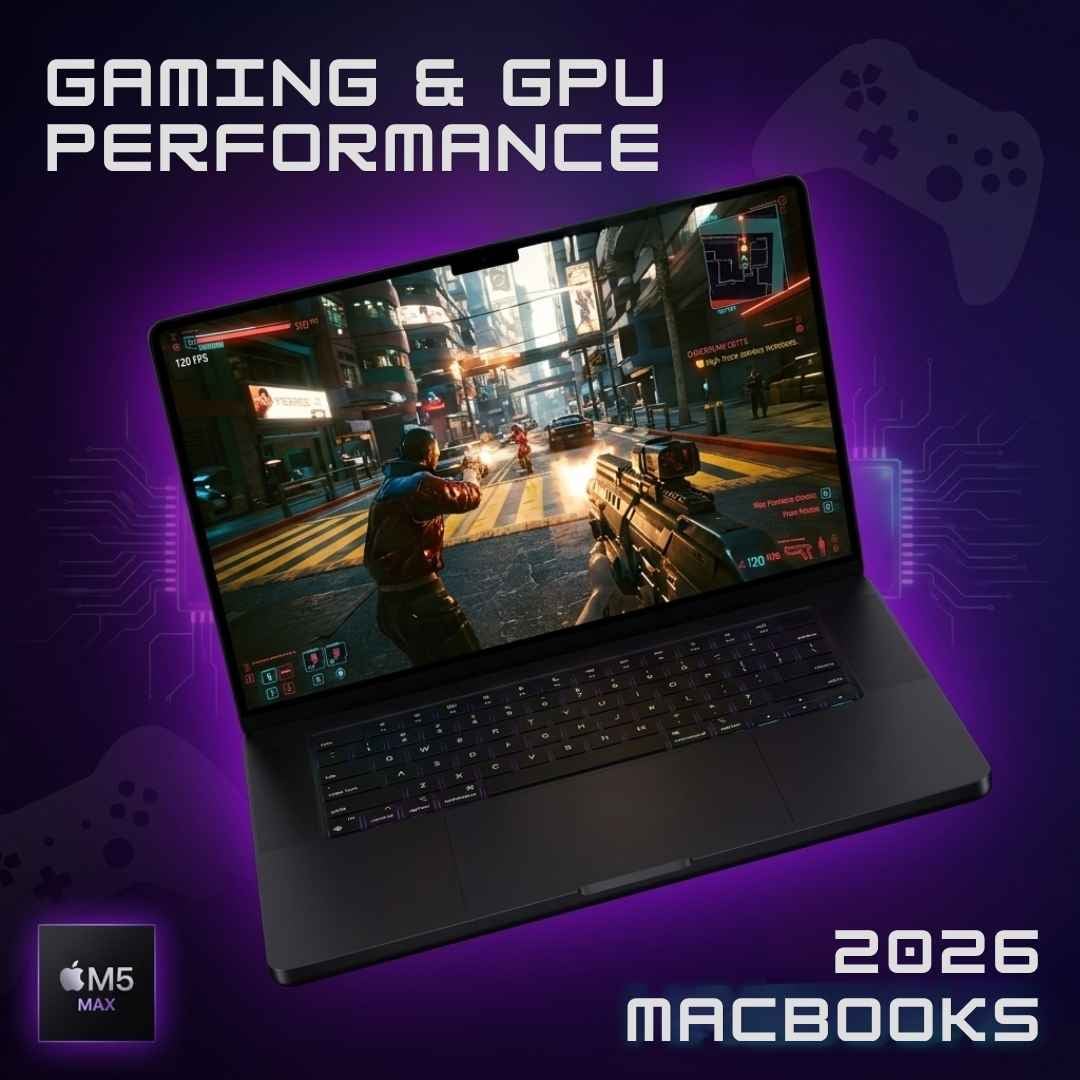
MacBooks have always had a bit of a reputation when it comes to gaming. When you hear of them, you’d think clean, aesthetic, and high-tech, but gaming? Not very often. Cut to 2026 when they are ruling over social media for all things unheard of, including games!
There is chatter of Geekbench ratings everywhere, claiming that the new MacBooks 2026 are changing the entire scene. Some say it's legit, while others believe it’s just a marketing strategy to get hold of the gaming community. There are, however, a whole lot of upgrades such as the new processing chips and spec upgrades, which speak for themselves. So who to believe? Raw facts!
In this blog, we’ve decoded the graphics performance of the 2026 MacBooks to see if you can really play on them or not. Let's get into it.
GPU & Other Specs of 2026 MacBooks
The latest laptops by Apple are loaded, no doubt. But when it comes to GPUs, these devices compete against each other brutally.
MacBook / Processor | GPU Cores | Base RAM | Max RAM | Memory Bandwidth | Cooling |
Neo (A18 Pro) | 5-core | 8GB | 8GB | 60GBps | Fanless |
Air 13” (M5) | 8-10 core | 16GB | 32GB | 153GBps | Fanless |
Air 15” (M5) | 10-core | 16GB | 32GB | 153GBps | Fanless |
Pro 14” (M5 Pro) | Up to 20 core | 24GB | 64GB | 307GBps | Active |
Pro 16” (M5 Pro) | Up to 20 core | 24GB | 64GB | 307GBps | Active |
Pro 14” (M5 Max) | Up to 40 core | 36GB | 128GB | 614GBps | Active |
Pro 16” (M5 Max) | Up to 40 core | 36GB | 128GB | 614GBps | Active |
MacBook Neo Gaming & GPU Review
Mac Neo is a fascinating device, to say the least. It costs the lowest of all (only $599) and can run native macOS games along with multiple Crossover titles, better than you’d expect. However, for CrossOver games, the 8GB RAM and 60GBps bandwidth could be a bit restrictive. Also, there’s no fan, which means cooling the device while playing a heavy game could result in a full-blown throttle once the A18 Pro chip starts heating up. Not to forget, the 5-core GPU can’t compete against dedicated GPUs of gaming devices, often resulting in a slight lag (when playing heavy titles).
The Goods
Minecraft Java Edition runs almost perfectly on Neo. Between 200 and 300 FPs (at 1080 resolution), your gameplay will be just fine, though there’s no guarantee of the mods (you might struggle there). The same goes for other such 2D titles, like Mewgenics. Resident Evil 2 is another playable title at 1080p. Lastly, Dark Souls Remastered - it’s by far the best title to play on Neo through the Crossover. With low graphic adjustments (at 60 FPS, 1080p settings), this title will run buttery smooth on your Mac.
The Bads
Cyberpunk 2077 on Neo is a bad idea. This device barely runs the game, even when you’ve configured the settings. At 30-40 FPS and 720p resolution, you’ll find this game running forcefully, not something you’d go after again and again. It explains that Cyberpunk is the kind of title you can play on your iPhone.
Now ready for the actual disappointing news? You can’t play Counter-Strike 2 on Neo! We believe that it’s because of the 8GB RAM (maybe it’s not enough for the Crossover translation). Similarly, Elden Ring seems playable at first, but you’ll experience next-level stuttering mid-game at adjusted game settings of 20fps and 450p resolution. Also, Resident Evil Requiem is not playable because the game supposedly has high mesh shader support requirements, which the A18 Pro cannot fulfil, sadly.
MacBook Air 2026 Gaming & GPU Review
The Air was launched as an entry-level laptop, before the Neo. But now, it’s got a promotion with its 10-core GPU (with Neural Accelerator in each core) and 16GB standard RAM, which, mind you, is upgradeable. The memory bandwidth of 153GBps also makes sure that the textures don’t load late and you stream stutter-free (in all native and some Crossover titles). Like its 2026 replacement, the Air is also totally fanless, so while there’s going to be no noise, you might feel the heat from the graphics-intensive gameplays. So, is all this justified for the $1000+ price tag? We’ll have to find out…
The Goods
World of Warcraft is one title you’ll probably have no trouble playing at a 1080p resolution and 60+ FPS setting. This is because WoW uses one of the latest metal API upscaling, which kind of makes it macOS optimised. Next up, we’ve got Resident Evil 2 Remake, which runs natively pretty smoothly, at a graphic setting of 1080p. The Resident Evil Requiem is another one of the hit titles. Because of MetalFX Ultra, this foreign title runs surprisingly well on Air at 60 FPS via MetalFX.
The Bads
When it comes to the worst-performing titles on the Air, we have one name that tops our list. It’s Cyberpunk 2077, which runs at 1080p (MetalFX) between 30-40 FPS. Now, even though you’ll be compelled to think that this one is kind of fine for a Mac Air, don’t take any chances. Just when the game gets exciting, your system will go nuts and throttle badly.
MacBook Pro 2026 Gaming & GPU Review
The Pro 2026 has two processor versions: the M5 Pro and the M5 Max. According to the makers, this new Mac is four times faster than its previous model, and we believe it’s 100% because of the processor. The dual-die Fusion architecture of these chips separates the CPU and GPU, putting them on two dies connected on a single SoC. What it does is give you a much higher core count (128GB) with a 614GBps bandwidth, so your data transfers fast. Best part - MacBook Pro has active fans cooling the system, so you never experience throttling while gaming.
The Goods
The Pro performs really well when you’re playing the most demanding titles. For starters, it does a great job when playing Cyberpunk 2077. The base processor, M5 Pro runs this software at steady frame rates of 60-70 FPS across all scenes at a 1080p setting. The M5 Max version also manages it well at around 50 FPS. However, once you’ve spent some time in the game, when the cooling fans turn on, this frame rate dips. There’s also Minecraft, which, in Redditor's opinion, is a vanilla game, so we guess it’s bound to run smoothly.
Counter-Strike 2 is like a success story for the MacBook Pro. At 90-120 FPS and 1080p, this game has a beastly good performance in training mode (with bots and all). The exact same thing can’t be said for Elden Ring, though.
If you run the games with Crossover, at 60 FPS, you will get an enhanced gameplay. However, you would want to turn ray tracing off. The Resident Evil 2 Remake and Requiem also work fine at 1080 FPS.
The Bads
World of Warcraft is a weird game for this device. Weird, why? Because it’s got mixed reviews, and the bad ones are coming in one after another. So the bad part is that users have reported that this title runs poorly on all variations of this laptop, so much so that it feels worse than the M4. The 20 and 40-core setups don’t do anything to make the game feel smooth or playable. Now, the good news is that it’s probably (hopefully) just a temporary software issue which the developers will soon fix. Let’s wait and be hopeful until that happens.
How Gaming Works in 2026 MacBooks?
To understand how gaming actually works on Macs, you first need to know the different languages of games and devices. So every app is written in a particular language (code) that only some types of GPUs know how to read. For example, Windows GPUs understand DirectX, whereas Apple GPUs understand Metal language.
Native macOS Games
Now, when a developer creates an application using the Metal language, that game automatically qualifies for the MacBook. Such apps are called native macOS, and they perform the best on Macs. This is because they converse with the GPU firsthand, no translation needed. Considering that there is no middleman translating done, the game runs super fast, the battery lasts longer, and the frame rates also make your gameplay more engaging.
CrossOver 26
Then there are games that are developed keeping Windows in view. These titles use the DirectX language, which is not readable by macOS. Naturally, a real-time translator enters the scene, which we call CrossOver 26. This translator processes the DirectX language into Metal before passing it to the GPU. You need to understand that CrossOver performs these translations thousands of times per second. But! There's a catch. This translation needs extra CPU cycles and RAM capacity to fully function, which is a struggle for some MacBooks like the Neo and Air.
MetalFX
The best way we can explain MetalFX to you is that it’s Apple’s version of DLSS. It’s Apple’s built-in upscaling technology, which basically increases the resolution of the game. This is needed when the GPU renders a game at a lower resolution than its original one. So MetalFX reconstructs the missing parts or pixels of the image to give it the native resolution.
Final Verdict - Which One Does It Better?
2026 is the year MacBooks debut as gaming laptops, and the Pro does it ever so effortlessly. Sure, there is some room for improvement, but so far, we love how it’s handling older as well as the latest demanding titles. All popular titles like Cyberpunk, Counter Strike 2, and Elden Ring run really well on this laptop, which is why we would recommend giving it a go. As for the MacBook Neo and Air, they’re also decent but only if you’re a casual gamer who’s not after DirectX titles.





