

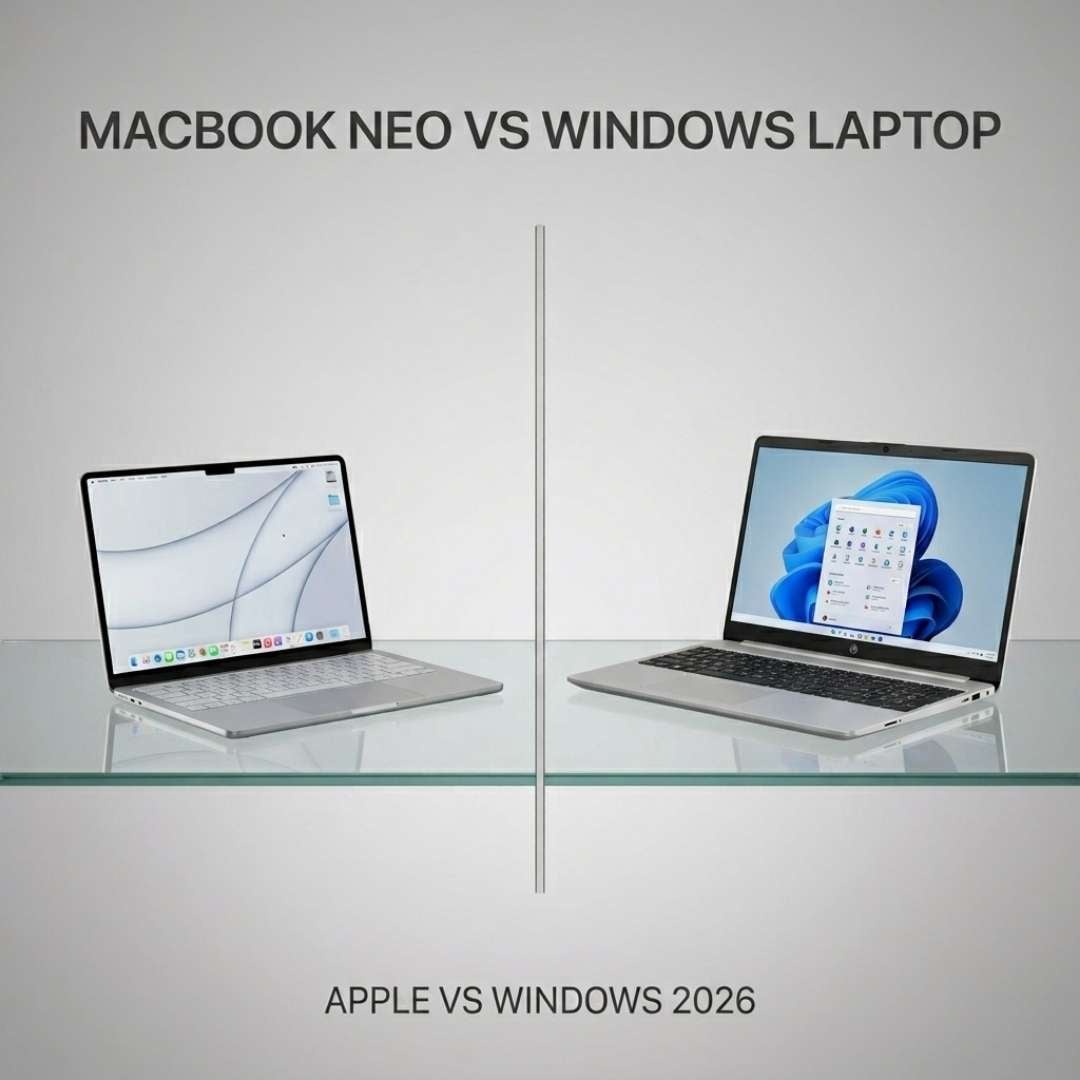
For the longest time, buying a budget laptop meant getting Windows, and the makers served right. It didn't matter if you got a Lenovo or an ASUS, the quality was always spot on, and the price point - chef’s kiss!
Then, out of the blue, Apple came and conquered with its budget launch MacBook Neo. As of now, every buyer with a low budget is drooling over it. Honestly… who wouldn’t want the seamless macOS experience on a budget? Plus, the Insta-worthy colour range that Apple has come out with has just made it ten times more irresistible than any notebook ever.
The question is, is it actually better than the budget Windows devices? Or is Apple just selling sparkles instead of substance? In this blog, we’ve decoded this mystery, so head below to find out.
MacBook Neo - Brief Overview
This notebook is the first of its kind in the MacBook family and has successfully replaced the MacBook Air, which was previously the company's entry-level laptop. The USP of this device is its $599 initial price tag (with student discounts bringing it down to $499). However, what makes it so desirable is its A18 Pro chip. Yes, it’s the same chip featured in the iconic iPhone 16 Pro.
In addition, this notebook delivers the classic Mac experience without compromising on the overall device aesthetics. If anything, it adds up to the esteem value with its unique colour range, which is one of the reasons for its hype. With macOS Tahoe, you get a bunch of benefits that you won’t get in Windows. From full-on personalisation to easy navigation and new apps, this operating system is pretty loaded. Though it does have some limitations.
Windows Budget Laptops - Brief Overview
When it comes to budget Windows laptops, you get a whole lot of variety. Head-to-head with the Neo, there’s the Lenovo IdeaPad Slim 3 15. It’s the perfect laptop with decent storage, RAM, a nice, crisp display, and the same old Windows experience (which beginners crave). Not to forget, IdeaPads in general are some of the easily upgradeable devices on the planet. From SSD swap to battery replacement, you name it, this device supports it.
Another great budget option is the HP 15 FD1311TU. This one checks all the boxes; it’s loaded with the right specs and also has a dedicated neural engine, making the comparison against Neo a fair one.
Last on the list is the ASUS Vivobook 15 F1504VA - the ultimate everyday notebook. Now this one is as basic as it can get. It focuses on getting things done without any fancy schmancy distractions.
All three of these budget notebooks fall between $400 and $680, which is almost the same budget as the Neo. But are they any better than the Mac? Check the specs to find out.
Difference Between MacBook Neo & Windows Laptops
Looking at the raw specs can help you get an idea of what you’re paying for. Head below to check out the different specs of Mac Neo and other budget devices.
Specs | Mac Neo | HP 15 FD1311TU | Lenovo IdeaPad Slim 3 15 | ASUS Vivobook 15 F1504VA |
Processor | A18 Pro Chip | Core Ultra 5 125H | Snapdragon X (X1-26-100) | Core i7 1355U |
RAM | 8GB | 8GB | 16GB | 16GB |
SSD | 256-512GB | 512GB | 512GB | 1TB |
Max Battery Life | 16 Hours | 6 Hours | 14 Hours | 8 Hours |
Display Nits | 500 | 300 | 300 | 250 |
Display Resolution | 2408x1506 | 1920x1080 | 1920x1200 | 1920x1080 |
Key Performance Differences Between MacBook Neo & Windows Laptops
To understand what goes on beyond the numbers, dive into the detailed comparison below. It’ll help you decide which one’s best - Apple or Windows.
Processor Performance
The A18 Pro is a beast of a processor with a 6-core CPU, 5-core GPU, and a 16-core Neural Engine. It’s safe to say this chip is packed with goodies. But what about the budget notebooks?
The HP 15 FD1311TU features the Core Ultra 5 125H chip, which gives the toughest competition to the Mac. Its 14-core CPU and 7-core Intel Arc integrated GPU make it one of the best entry-level processors out there. Also, it’s got a dedicated NPU which runs at 11 TOPs independently.
Next up, there’s the Lenovo IdeaPad Slim 3 15 featuring the Snapdragon X X1-26-100 processor. This ARM chip has an 8-Oryon core CPU alongside an Adreno 8-core integrated GPU, and a 45 TOPS Hexagon NPU. The performance of this chip is as fine as its credentials, no doubt.
Last, we have the Vivobook 15 F1504VA with Core i7-1355U. The 10-core CPU and Intel Iris Xe Graphics G7 GPU are nice and all, but the lack of a dedicated NPU makes this processor a lousy bet against the MacBook.
RAM & SSD
After looking at Mac Neo’s 8GB RAM memory, one must think of it as a weak spot, but in reality, Apple’s unified memory is slightly bigger than conventional RAM. The reason is that unified memory can easily give you a boost in performance and efficiency because of its shared data pool. As for SSD, it’s loaded with a base storage of 256GB with an upgrade capacity to 512GB.
On the other hand, the HP has an 8GB RAM and a 512GB SSD - pretty decent. However, the 16GB RAM of the IdeaPad and Vivobook beats it, allowing you more speed when multitasking. That said, the IdeaPad’s 512GB base SSD doesn’t stand a chance against the Vivobook’s 1TB. Seriously, this much SSD for a budget notebook is straight up insane (not complaining though)!
Design & Weight
When it comes to design, MacBook is the obvious champion. Heck, it’s even beaten other Mac models. The competitors have absolutely no shot in front of its delicate aesthetics. The 2.7-pound notebook has a slim design with rounded corners. It has a depth of 8.12 inches, and you can get it in four trendy colours of silver, blush, citrus, and indigo.
The HP, on the other hand, weighs 3.5 pounds with clean, crisp dimensions. Its Natural Silver color is refreshing to say the least. Similarly, the IdeaPad weighs 3.57 pounds and comes in a gorgeous Luna Grey colour. As for the Vivobook, it also weighs the same as the IdeaPad, with the same sharp dimensions, but in a Cool Silver colour.
Display Results
The Neo has a 13-inch display with a 500-nit brightness level and a peak resolution of 2408x1506. There’s also support for 1 billion colours, which takes things up a notch and makes the visuals appear sharp and vibrant on the LED backlit screen.
But is it any better than its competitors? Let’s see…
The HP has a 15.6-inch IPS, anti-glare display with a 1920x1080 resolution and 300 nits brightness - nothing too extravagant.
Then there is the IdeaPad with a 15.3-inch anti-glare, IPS display that’s also touchscreen. The screen resolution is 1920x1200 with a 300 nits brightness.
The last option is the Vivobook. Its 15.6-inch anti-glare LED display is also touchscreen, giving you more room for creativity. However, it comes with a brightness of 250 nits only. So far, we like the MacBook better, despite the touchscreen.
Battery & Cooling
The MacBook has a 36.5Wh lithium-ion battery, which can easily last for up to 16 hours of video streaming and 11 hours of web browsing. It charges through the USB-C port with a 20W adapter with no fast charging support. As for the cooling, this device stays cool without any fans or cooling vents. The reason is that its aluminium base absorbs any kind of heat generated due to a heavy workload.
Moving on to the competition! The HP has a 41Wh lithium-ion polymer battery that lasts up to 6 hours only (we expected better). Then there’s the IdeaPad with its 47Wh polymer lasting 14 hours (giving tough competition to Mac).
Last up is the Vivobook with its 42Wh battery, which lasts for up to 8 hours (bummer). When it comes to cooling, all three notebooks have active fan cooling, which means you can expect the noise and disturbance from time to time. Naturally, Neo takes the lead… again!
AI Performance
This is where the MacBook really takes the crown. The A18 Pro chip has a 16-core Neural Engine, but that’s not it. There are neural accelerators that add more speed when performing AI-related workloads. This is why Apple Intelligence features (when running natively) never stutter or result in any kind of blur. And this is also why MacBook has the best AI processing out of all budget devices.
Among the competitors on the list, only HP and IdeaPad have dedicated Neural Engines. The HP has the Intel AI Boost NPU running at 11 TOPS on its own, but combined with the CPU and GPU, it can go up to 34 TOPS.
The IdeaPad, on the other hand, has the Hexagon NPU running at 45 TOPS; of course, it’s better than HP and Vivobook (which doesn’t have any NPU). Technically, IdeaPad’s AI is better than Mac’s because of its raw horsepower, but you’re still missing out on Siri, Smart Reply, and the other Apple magic.
MacBook Neo vs Windows Laptops - Use Case
The debate of MacBook vs Windows is an exhausting one, leading to the same question: what do you want from your laptop? If you’re a student or casual user with an iPhone, then you should invest in the Neo. Its premium build will give you the best of all worlds; from high performance to a big battery, and a silent cooling system.
But if you’re a beginner, intimidated by the entire macOS hype, then Windows is the right fit for you. You can choose between the HP 15 FD1311TU and the Lenovo IdeaPad Slim 3 15 for something as brutally strong as the Mac. Both these devices have a good set of specs, top-notch displays, with the latter having a big battery as well. The designs are also pretty practical for everyday use.
If you don’t want to compromise on the RAM and SSD, though, we’d recommend you skip the above two and go for the ASUS Vivobook 15 F1504VA. It’s perfect for students, bloggers, office users and anyone who needs a daily life laptop. That said, it lacks a dedicated neural engine, so you’ll get no AI with this one.
Final Verdict - Apple or Windows?
If we were to choose one, we would pick MacBook Neo over Windows any day. The reason is simple - you get more value for money. Its non-configurable RAM is the only visible drawback of this device. Other than that, you’re getting everything piled in one: good AI, high speed, exceptional performance and whatnot.
The macOS experience alone is such a deal-maker, even though some users may find it hard to navigate at first. But in no way does this mean that the other budget Windows notebooks suck. Not a bit. But MacBook Neo, despite being an entry-level notebook, provides better value for money, and at the end of the day, that’s what matters.





