

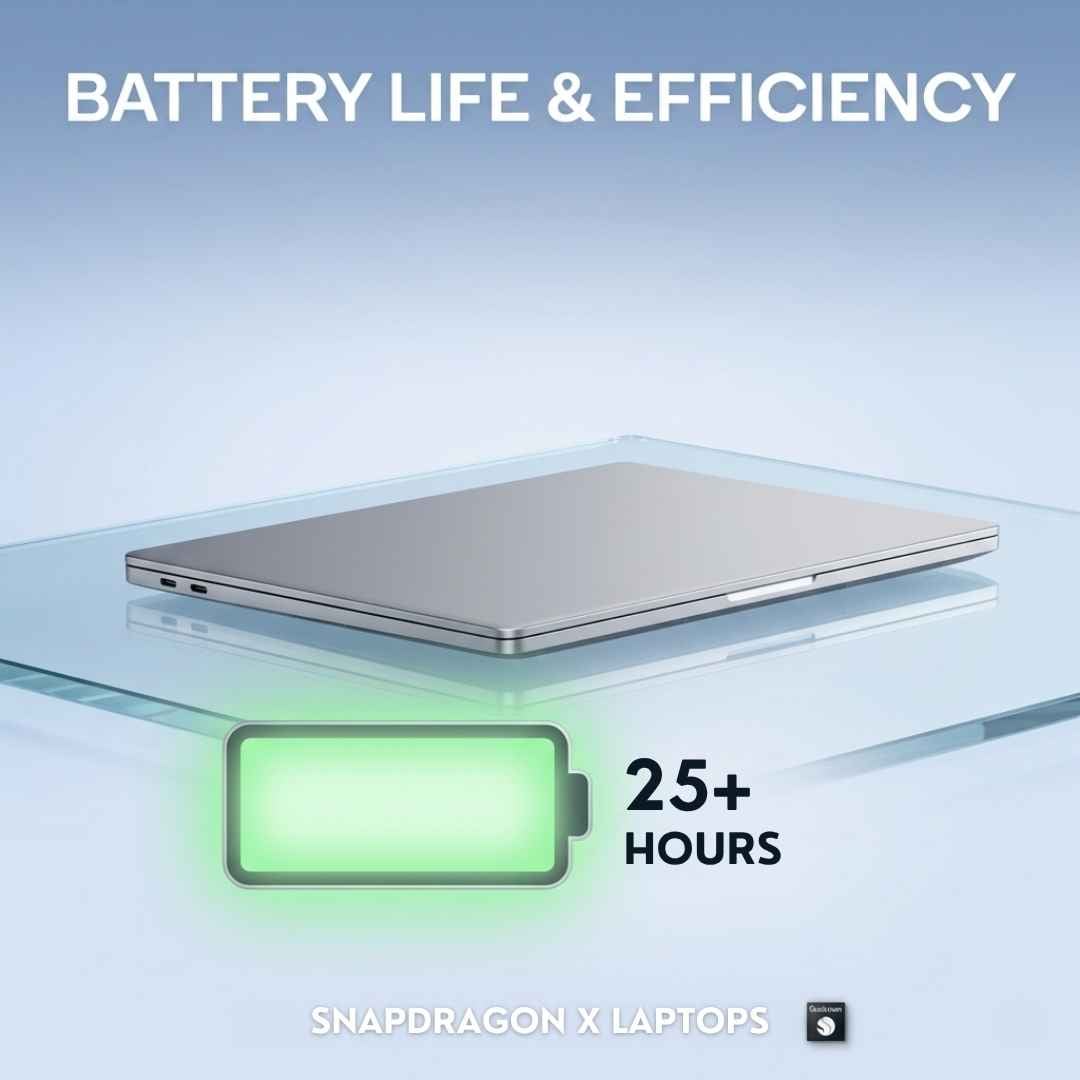
Imagine a life where your laptop lasts longer than your workday… Sounds too good to be true, right? Well, the Snapdragon X is here to make this impossible possible.
It improves your battery life so you can work without getting tangled in charging cables. And not just by a few minutes. This new battery is a dream for laptop users who aren’t familiar with Snapdragon. And for those who are used to the Snapdragon X power perks, it’s just another Tuesday.
So, do you want to know what’s the big battery gain, and how the company is delivering such groundbreaking battery tech? If yes, then buckle up and head below to find out.
Snapdragon X Battery Life - Overview
Before we get into the technicalities, let’s give you a little background check about the cell used in Snapdragon X laptops. There is no fancy schmancy technology backing this battery design. It’s a basic lithium-ion or lithium-polymer cell that is commonly used. It can last for up to 15 to 22+ hours, on a single charge, which is actually quite impressive, considering most Snapdragon X devices have a 45Wh cell. Some even have a 70Wh cell when the overall specs of the device involve big numbers. Bet you’re wondering what’s so special about these batteries then?
Let us spare you of your curiosity - it’s all in the X processor! Since these chips are built on the ARM architecture, they pretty much copy-paste the processors used in smartphones and tablets. You see how the batteries of smartphones last way longer (almost an entire day) than laptops. That’s because their processors make sure that every watt-hour is used in the best way possible.
What Makes Snapdragon X Laptops Power Efficient?
A common myth is that a good battery comes with some kind of compromise. The X processor bursts this myth by coming up with a cell that delivers beyond your needs without any negative side-effects on the overall laptop performance. Head below to know how it does that.
The ARM Architecture
The processing chips used in Intel and AMD were designed for smartphones first and then later developed for laptops to keep the key qualities in place. But ARM chips are built differently; to power laptops first and foremost. Now, the x86 chips work on a CISC (Complex Instruction Set Computing) design. According to this design, the chip handles the bulk of the workload in one (not so swift) go.
But the ARM chips use a RISC (Reduced Instruction Set Computing) design. According to this design, the chip performs simple and small instructions at a time. Remember the divide and conquer analogy, that’s what RISC is all about. And it works as well considering less power is used by the ARM chips.
The 4nm Chip Design
To understand how a 4nm chip makes your device power efficient, you first need to know the science behind a transistor. So this tiny processor is packed with billions of tiny switches called transistors. These transistors switch on and off literally billions of times to handle information. Each time, they suck in a great deal of power. Compared to the early releases of Snapdragon X laptops (having 10nm or 7nm nodes), the X has a smaller 4nm process node.
And exactly how does it help? Well, thanks to this design, smaller (but a lot more) transistors can be stuffed inside the chip, giving the device more processing power. Plus, these transistors switch faster as they’ve got a short distance for the electrical signals to travel. And lastly, the smaller transistors leak less electricity when they’re sitting idle, doing nothing, giving you a longer cell life.
The Oryon CPU
The cores in the Oryon CPU are arranged in a setting of many clusters containing four cores each. Each cluster works on its own and provides an adjustable clock speed based on the workload. This arrangement is a big deal because when you’re not working, the CPU tones down its cores and saves energy suction by a huge margin.
Similarly, the Oryon CPU keeps adjusting its clock frequency (up and down) depending on how demanding the task is. In addition to all this, there’s the Hexagon NPU, which takes the massive AI workload burden off of the Oryon so that the CPU performs its specific tasks, resulting in low energy cost.
Battery Comparison - Which Lasts Longer?
When it comes to comparing the batteries, the two big names are Intel and AMD. They make great chips (nobody is taking that away from them), but when it comes to cell life specifically, both competitors have some baggage.
Snapdragon X Battery vs Intel
Starting with Intel, its processor chips are known for their strong performance, but they’re also kind of power-hungry. Not to forget, they’ve got some serious heating issues. We totally blame the x86 architecture, because it was never really meant to save power. Intel Core Ultra notebooks with 200V usually last 12 to 18 hours, depending on the model and overall specs.
It sounds decent when you hear it, but in the real-world, the 18-hour limit is pretty insufficient when you’re working with demanding apps. And if you’re a creative professional, then all that electricity is going straight down the drain. Creative softwares and apps are heavy and need more power to function. But the X Elite laptops can easily give you 15-22 hours of solid performance (no throttle whatsoever).
Snapdragon X vs AMD
AMD Ryzen AI chips are impressive (we mean it). They’ve got it all - they’re fast, capable, and offer full value for the price. When it comes to multitasking and handling heavy workloads, we’d say it’s a ten-on-ten. Also, arguably the strongest x86 traditional option available in the market in terms of AI. But the power efficiency is not satisfactory at all. The Ryzen AI 300 series can stretch 10 to 11 hours before shutting down, that’s all you get.
With AMD, you get a better overall performance, but the battery life is a red flag. This 11-hour power limit makes AMD Ryzen AI laptops not worth it for travellers or professionals stuck on the subway everyday. On the other side, we’ve got the Snapdragon X battery, which can last up to 22 hours. Also, with X, you don’t have to worry about heating issues, whereas with AMD, there’s no guarantee that you won’t experience a thermal throttle.
Final Thoughts
Snapdragon X laptops didn’t become the overnight battery sensation that they are today - they earned it! From the ARM architecture to the 4nm design, each aspect of this chip is designed keeping power efficiency in mind. The real-world numbers are here to back it up. Whether you’re a student, a traveller, or a work-from-home individual, the X is the right fit for you. So if you were considering a switch to Snapdragon X, hopefully this blog cleared your queries.





