

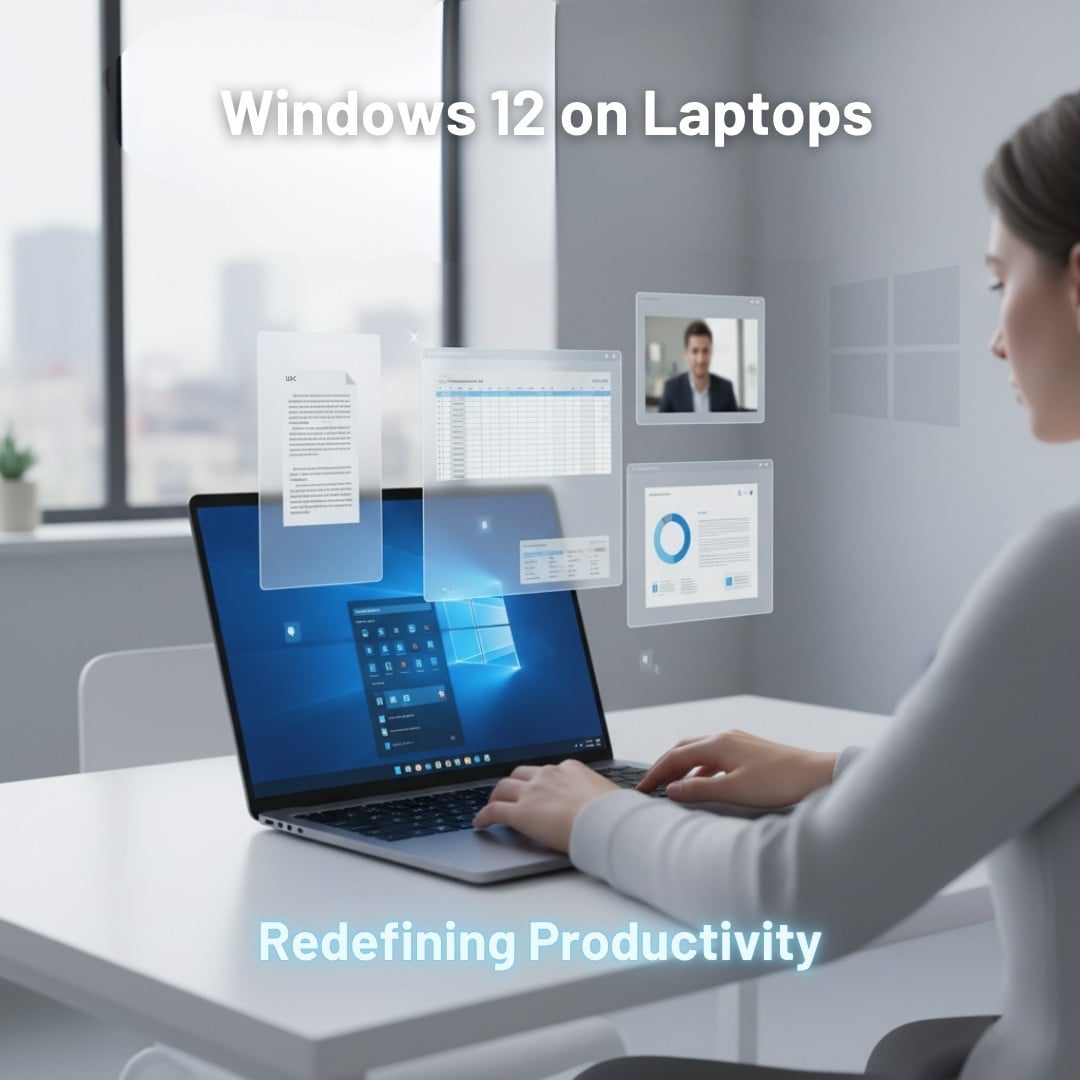
Windows 12 has arrived, ladies and gentlemen, and we're glad to report that something is different in this newbie. This little beast has become the talk of the town, forcing us to give it a shot, too.
As the rumours go, Microsoft has once again proved its potential in the field of productivity by presenting this bold mix of AI-powered intelligence and speed. They say it's got features that seem to read your mind and layouts that adjust like they actually understand how you work. Windows 12 feels less like an update and more like a pleasant surprise you didn’t realize you were missing. Whether you’re a student juggling assignments or a content creator editing high-resolution projects, every feature seems built for a reason.
And mind you, the new and unstoppable 12 doesn't just brag speed; it’s about working in sync with technology that actually gets you. Want to discover how Windows 12 transforms your complicated tasks into a seamless, next-gen experience? Read this blog till the end.
Windows 12 - Brief Overview
Windows 12 is said to launch by the end of 2025, according to news, and it’s already generating massive buzz for good reason. Microsoft is positioning it as the most AI-integrated operating system launched yet; it's built to take advantage of new processors with integrated NPUs. The user interface gets a modern makeover in the form of a modular desk arrangement and a floating taskbar. If that's not enough, there are also widgets that adapt to a person's activity based on his or her behaviour; the power of algo.
Subtle design updates, such as transparent window text and rounded window corners, alongside that new Start Menu, enable easier and more natural navigation. But what really makes Windows 12 exciting is the better access to AI. So now your files will be saved in your system smartly, making it hassle-free for you to locate them later. And with the Microsoft Copilot integration, you can offload most of your burden in the form of automation. Think of it like ChatGPT (that needs no prompts) but built right inside your computer system. As one would expect, the more AI exposure you get, the better your overall experience becomes. That’s exactly what happens with the brand-new Windows 12. It turns your laptops into mini-assistants that answer your questions and perform your tasks.
How AI Boosts Your Productivity?
The USP of Windows 12 is clearly AI. Therefore, you’ll be seeing that in a lot of different contexts, from analyzing data to generating content and much more. But the main purpose of AI in this processor is to improve output with minimal input. In simple words, this means that Windows 12 promises to boost productivity with the help of AI. How? Now that’s the tricky part. Neural Processing Units built in the processor will handle tasks and fulfil commands dynamically, as they occur. So, unlike a cloud situation where you’re stuck waiting for a response, there would be no latency or privacy-related stress here.
Microsoft Copilot Everywhere
Microsoft Copilot is basically an AI assistant. It’s supposed to link apps like MS Word, Excel, PowerPoint, Teams, and Outlook to kind of integrate the workload. What it does is that it completes tasks faster and in a smarter manner. With Windows 12, you’ll have hands-on access to Microsoft Copilot, which will likely perform more than half the work for you. Your tasks will be one text or voice command away from being performed within seconds.
Battery Saver Technology
You must’ve noticed your laptop sucking in more energy when you’ve got a gazillion tabs open. Compared to that, when there are only two to three tabs or apps running in the background, your battery seems to last longer. That’s because your CPU, NPU, and GPU get allotted the same amount of energy regardless of whether you’re actively involved in that task or not. With Windows 12, the system will allot energy only to that segment that is in use at the moment. This apportionment of energy will save battery like a smart car that switches between electric and full-engine mode.
Smart Notifications & Work Modes
If you have the memory span of a goldfish, the new smart notifications feature of Windows 12 will be your absolute favorite. The reason is that it will pop-up context-aware reminders and notifications to you on a priority basis. Not only that, there’s a new work mode that cleans up the daily chaos, leaving you with easy-peasy snippets. For example, your long emails will be summarized, and short notes will be prepped right before winding up the day’s work. If that ain’t genius, we don’t know what is.
Interface Changes
The previous interface of Windows 11 had a very minimal, posh look, which appealed to the users at first, but that was that. Apart from the visual aesthetics, there wasn’t anything of value in that previous interface. But the Windows 12 interface is different! It has a floating taskbar that you can move for a quick cleanup. This taskbar is especially useful in touchscreen displays where you want to adjust the widgets panel according to your ease. You can also access the weather and calendar alerts without opening the apps. In short, this new interface personalizes the desktop experience for you.
Redesigned Taskbar
Windows 12’s taskbar and Start Menu get a complete visual overhaul. The taskbar is now centered and actually adjusts itself based on what you're doing and how big your screen is. The Start Menu has been decluttered with a smarter app grid, and integrated search, along with that genius quick-access AI suggestions that predict what you’ll need next. These features, as a collection, facilitate quick and cleaner traversal, suited best to improving productivity in touch and conventional laptop deployments.
Improved Virtual Desktops
The new version 12 enhances Virtual Desktops with deeper customization and smoother transitions, which sounds odd, right? But get this, users can now assign unique wallpapers and layouts for different workflows. When working, for example, they can switch to something minimal, whereas for gaming, they can opt for all the shades of neon. Basically, AI will observe you and learn how you move. Whether you’re studying or editing, it will gauge your performance closely for a while. Then it will slowly take steps that you would if you were to make a move. It’s like a new PA who is always ready to get distractions out of your way.
Overall Performance
Multitasking is the key to a good computing experience - Period! Though it is only possible if your device can handle multiple major and minor tasks at once. Thankfully the Windows 12 makes it possible as effortlessly as it can get. It allocates tasks based on component efficiency. So if the task is related to graphics, you know where it’ll go - the GPU. Similarly, if it is something regarding AI, the NPU will be responsible for it. But one obvious con of it is that Windows 12 will not be compatible with old-fashioned hardware that lacks features like AI.
Hardware Health
The NPU is the main player of Windows 12, as it takes over all the AI-related tasks. Be it live translation or voice recognition, the NPU deals with it all. It ensures all the programs run smoothly, side-by-side with no interruption whatsoever. You get the point; instead of delegating tasks to the CPU or GPU, Windows 12 relies on the NPU. This frees up the other two components so they can perform their basic functions with perfection. As a result, your creativity and speed don’t get compromised, and the hardware remains healthy.
Instant Boot, Sleep, & Resume
Microsoft tweaked the core of Windows 12 so it boots up and wakes almost instantly; it’s basically done loading before you even blink. Leveraging new firmware-level optimizations, the OS resumes instantly from sleep, even after long idle periods. The enhanced memory handling makes it so that apps launch more quickly and system readiness comes to a near-instant, making laptops more responsive during day-to-day use.
Security and Privacy Upgrades
You know when your computer’s doing stuff in the background and you’re not really sure if it’s actually protecting you? Yeah, Windows 12 isn’t like that. It’s actively watching out for you. It uses stronger protection and AI that shuts down threats the second they show up. Plus, the privacy settings actually make sense now. You know what we love the most? You get absolutely full control of who gets to see your data; this kind of privacy is hard to come by, making Windows 12 even more valuable.
AI Threat Monitor
Did you know Windows 12 uses AI as a part of its overall network security force? We bet you didn’t. What this does is it detects and isolates the potential threats way before they can cause harm. Your traditional antivirus package might be more powerful, but it’s reactive only. On the other hand, this system is proactive. This means it learns and detects from the evolving patterns of malware and phishing. It also protects the platform's security in real time, ensuring your device remains secure even during offline operations. For enterprises, this adaptive nature of defense means fewer vulnerabilities and reduced overall downtime.
Access Alerts & Notifications
To say the makers have put their heart and soul into Windows 12 won’t be wrong. It is constructed to compete, or better, synergize with next-gen hardware. The new Windows 12 will take full advantage of AI. It is sure to distribute workloads between the CPU and GPU. In fact, it will even take off the load from the NPU to make sure that the responses are faster. This distribution will result in an overall smoother experience for an average user.
Conclusion
So is Windows 12 worth it, or is it just another revamped version of the older variants? Honestly, it does look like a stunning upgrade with actual fresh goodies. Thanks to its AI-first design and smarter performance optimization, with that perfectly polished interface, this version works how users work; tirelessly and smart. People who're currently using AI-ready processors, like Intel’s Lunar Lake or AMD’s Zen 6, will experience the most dramatic gains when it comes to speed and intelligence, because they have a benchmark now.
Now, we accept that Intel's a whole different league, but compared to its own predecessor platform, Windows 11, this new Windows 12 promises a more connected, proactive computing experience overall. The mighty 12 does the job well while taking precautions beforehand, instead of reacting to problems while you're freaking out. Honestly, we give this version 12 a solid 10 out of 10; don't sleep on it, guys, it's worth every single penny.





