

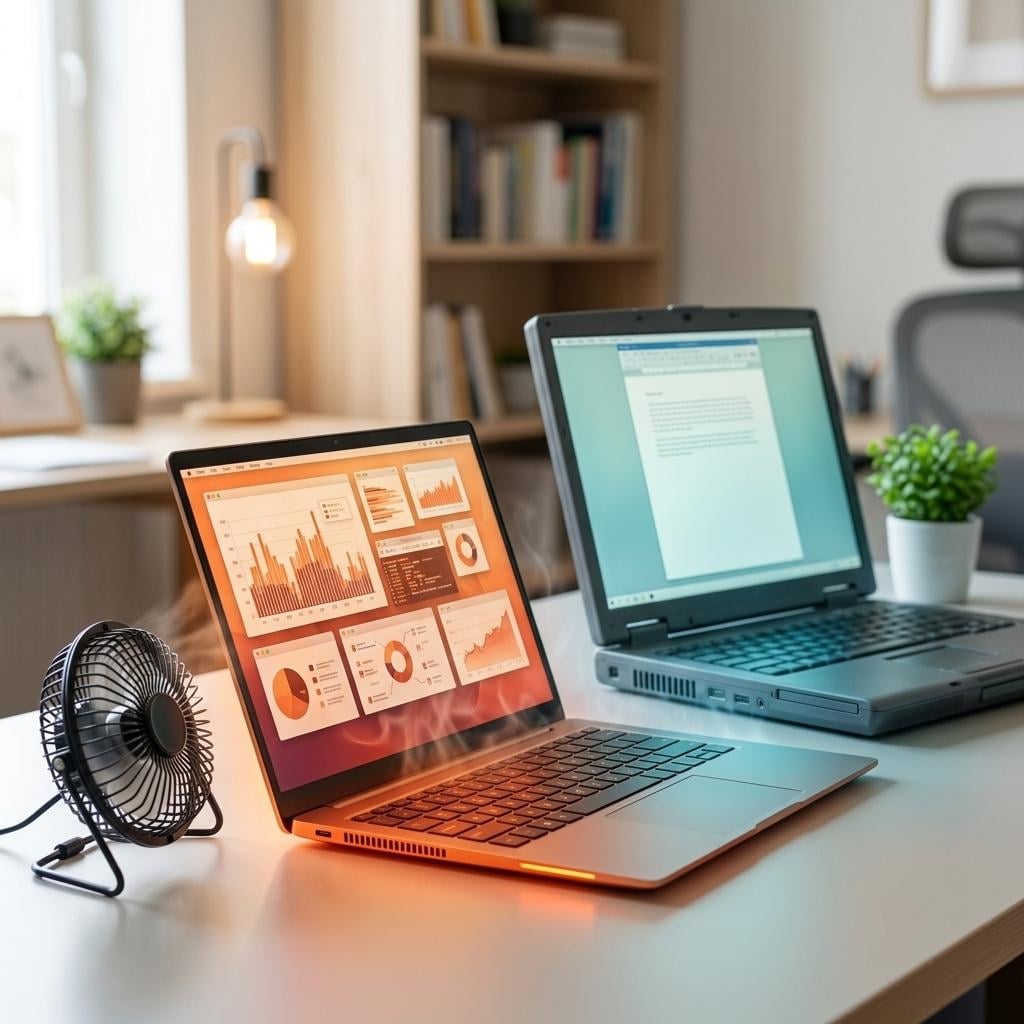
A new laptop should not feel like a frying pan… yet, here we are! You spend thousands of bucks on the latest model, expecting smooth and silent performance. But you end up with loud, hot fan sounds that are just too irritating.
This heat problem is getting out of hand with every new release. Ever wondered why this happens to new releases more than to the old ones?
Design aesthetics! Yes, you heard that right. Brands are after premium styling. These ultra-portable, sleek-looking laptops cannot handle the weight of major components such as the CPU, GPU, battery, and RAM. While trying to do that, it ends up overheating. But there’s more to it.
In this blog, we’ll tell you why your new model devices overheat more than the old ones. So stick with us because it’s going to get interesting.
Understanding Why New Laptops Overheat Faster
If your new laptop runs hotter than the older one, there are bound to be some reasons. Head below to check out the most obvious ones.
Big CPUs in Small Builds
The latest CPUs are full-blown beasts when it comes to power and performance. However, manufacturers keep fitting them into ultra-slim devices. This is because brands are weirdly obsessed with the powerful+sleek combo. The problem is that a high-performance CPU will definitely generate heat. So you need an efficient fan and enough vents to evacuate the heat.
A slim-designed notebook won’t have enough space to accommodate a good enough cooling system, which explains the temperature spikes in the latest models. The CPUs of older models also get hot; however, their chunky bodies can tolerate all that warmth, thanks to proper ventilation. Also, the outdated CPUs have low clock speeds that keep things quite cool.
High TDP
Think of Thermal Design Power as a processor’s heat budget. It’s better that this budget remains on the lower side. Otherwise, your cooling system will take an absolute hit. Now, most heavy CPUs usually have TDPs of between 35W and 45W. Ideally, it should be between 15W and 30W, so as to remain cool.
Now, if you connect the dots, a device exceeding the 30W threshold would mean that the cooling system has to work overtime. So new models not only deal with high warmth because of the TDP, but their thermal system also gets seriously compromised. Older models, on the other hand, have low TDPs. A Core 2 Duo chip, for example, would run at a TDP of around 10-34W (pretty decent from today’s standards).
Turbo Boost Spikes
Turbo boost is one of the main reasons why new notebooks overheat faster than old ones. But first - what is a turbo boost? It’s a processor feature in which the chip automatically gets a clock speed spike. This spike happens whenever there is a demanding task on screen. But while it does make the system feel fast and responsive, it makes the internal temperatures rise to a considerable extent.
Now this feature is pretty much limited to modern-day CPUs; hence, the consequences are also restricted to new laptop models. Older processors also have turbo boost features, just that the frequency is less aggressive.
Shared GPU Cooling System
The new notebook models usually have a CPU and a GPU sharing a single cooling system. Separate cooling systems would mean two of everything - from fans to vents, to heat pipes, and the whole lot. So, to save space, both chips are allotted the same cooling system, and that’s where things go wrong thermally.
The shared system gets overwhelmed super fast, even when there’s not much load. So if you have an NVIDIA RTX 50 GPU, be ready for 30°C-45°C of radiation when doing nothing. And heaven forbid if you’re gaming, then take those figures up to 65°C-85°C. With an older model, however, the GPU is usually integrated, so the entire heat management system is a lot less fussy.
Congested Heat Pipes
Cooling pipes are supposed to keep your device cool. That is, if the pipes have enough space to actually do their job. Now, modern pipes are usually made of copper because of the high thermal conductivity, which is good. But the thin chassis forces makers to sort of flatten the tubes. This unnecessary twisting and squeezing of the pipes makes them pretty much useless.
So whenever there’s any high thermal activity, the molecules pass through these pipes very slowly. But with an older laptop, you get wide pipes. There’s a proper network of these pipes that evacuates the warmth as soon as possible.
Poor Thermal Paste
Did you know that a flawless thermal paste job can cut down the CPU temperature by up to 30%? This paste basically seals the gap between the processor and the heat pipe. It kind of makes sure that the radiation doesn’t leak while being transferred out.
Now, the thing is, mass-manufacturing of the newer models doesn’t really focus on the paste application. Sometimes, even the paste used is of low quality. Thus, new notebooks run hotter than older ones. Compared to them, older notebooks are much better. Not only is the thermal paste application super smooth, but it’s also easy to do at home. So if the paste dries, you can reapply it easily.
Background Process Load
A brand-new laptop rarely reaches the ‘idle state’ after you’ve unboxed it. From the moment you boot it up, background processes kick in. Update checks, antivirus scans, cloud sync, software bloating- there’s too much chaos. These tasks use a whole lot of CPU power. Guess what happens next? Lots and lots of thermal activity!
On a powerful processor, multiple background processes can generate heat even when you’re not opening any apps. That’s where older models get useful. There’s no such background load. There are just a few pre-installed apps and browser processes, so there’s a lot less heat risk.
Fast Charging Speed
Fast-charging is good for when you’re always on the go. But you should ask yourself - is it worth all that heat? A high-wattage charger gets your battery super hot. That said, the heat doesn’t just stay in the battery, it spreads to the rest of the components. In most modern layouts, the battery is located physically very close to the CPU and GPU (already hot components).
Since most devices support high-speed charging of 100W, it only adds to the warmth. But with older devices, there’s no such charging rush. Every process takes time which is why there’s not much thermal burden.
High-Refresh Displays
That buttery-smooth 165Hz display? Yeah, it’s not just smooth but a big thermal contributor as well. A higher refresh rate means that a screen is working hard. Since it's using more power, it’ll be generating more heat output. And since the display sits right above everything else, that warmth joins the party inside your device.
So while gamers and content creators consider high-refresh displays better, they come at a cost (quite a hot one). With older devices, you don’t really get such high refresh-rate displays, so all’s good in terms of thermals.
Tips to Prevent Overheating in New Laptops
Even though it’s not really possible to get rid of overheating in new notebooks, you can prevent it to some extent. Head below to check out some precautionary measures.
- Keep the device on a hard and flat surface while using.
- Make sure the air vents are clean and clog-free.
- Close or delete unnecessary background apps.
- Shut down or restart the device occasionally to get rid of background apps.
- Monitor CPU and GPU temperatures from time to time.
- Use a cooling pad when performing heavy workloads.
- Keep the room cool and well-ventilated when using the device.
Final Word
New laptops overheat more than old ones because there’s this tug-of-war between performance and design. The thin bodies of devices these days don’t support high clock speeds, heavy software loads, and big refresh rates. Not to forget, the CPU and GPU sharing a single cooling system creates all the more drama.
Older machines weren’t built better; they just focused more on live performance than looks. The low clock speeds, less software bulk, and easy maintenance just made the older designs way better from a thermal point of view than any new model.





