

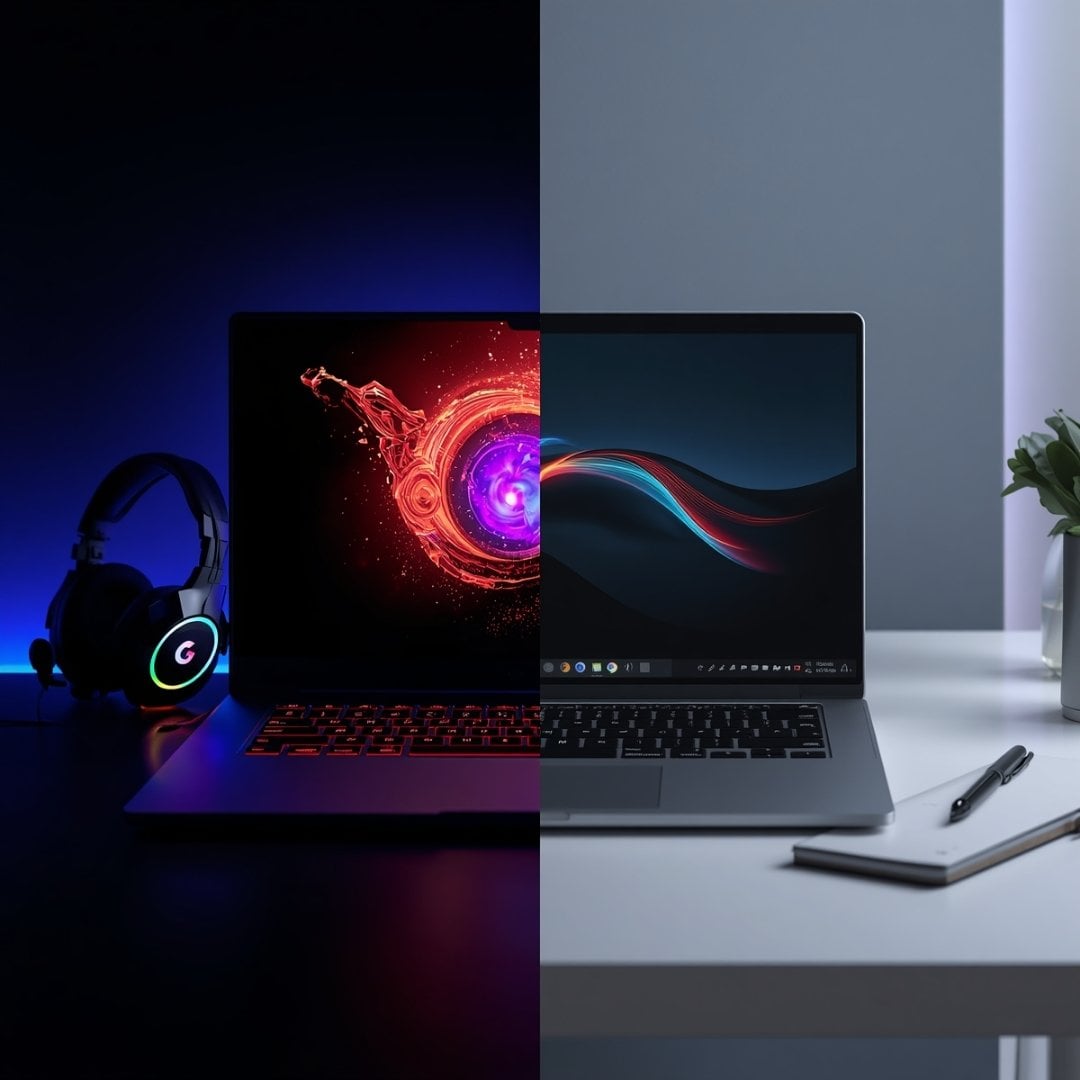
Here’s a plot twist nobody tells you about - that extravagant fancy notebook that you’ve been eyeing? Yeah, that might be the worst one for you. The internet is full of tech newbies giving away free opinions.
They’d say gaming laptops are smarter. They’d say business notebooks are faster. Everyone has an opinion they want to share. But hidden behind all that mumbo jumbo is a simple question that you’re probably not asking yourself. Are you a gaming laptop buyer, or a business buyer?
This one question has absolutely nothing to do with brands or benchmarks, yet it influences your buying decision. This is why understanding this difference is such a big deal. So, in this blog, we’ll be taking you through the two types of buyers.
Hardware Priorities of Gaming vs Business Buyers
Not every hardware component provides the same level of value to every user. Below we’ve mentioned which hardware component is a priority for gaming and business buyers.
Raw GPU Horsepower
For gamers, a dedicated graphics card is the whole point. A quality dGPU means high frame rates, excellent visual quality, and a dedicated VRAM; all of these things matter a lot. Right now, NVIDIA has an almost complete monopoly in the market, with around 85% market share.
But professional users rarely need dedicated graphics. Their everyday tasks usually involve browsing, Microsoft Office, and some multitasking, which is possible with integrated graphics. Plus, iGPUs draw less power under load, giving you longer battery life. This allows business buyers to get portable designs that are aesthetic as well.
Clock Speed & Core Count
Gamers chase fast cores above almost everything else. The faster each CPU core can process game logic, physics, and AI, the easier it is to maintain frame rates. So yeah, raw speed per core matters just as much as the actual core count. Ideally, a player’s processor should have at least 6 cores and 12 threads with a minimum base clock speed of 3.5GHz.
Business users, on the other hand, prefer a balance between high clock speed and high core count. Multitasking is their first priority, of course, so they cannot compromise on either. Now, generally speaking, 8-12 cores are enough with 3.0 to 4.0GHz. This kind of explains why laptops like the ThinkPad T14 Gen 6 are such big corporate favourites.
RAM Capacity
In case you haven’t noticed, most gaming notebooks are loaded with RAM. You see, esports titles require more assets than regular tasks; so there are a lot of textures, maps, and audio files loaded into the memory card. Plus, the memory card also keeps the frame rates smooth and supports multitasking. So most AAA titles need 32-64GB RAM (the more, the merrier).
Corporate users also need RAM for multitasking, but usually their memory needs are not as aggressive as those of gamers. For basic office users, 8-16GB is enough. For heavy multitaskers, 16-32GB is the sweet spot. Though if you’re a power user with a whole lot of technical workload, the recommended range for you is 32-64GB, which is like the starting range for most gamers.
SSD Configuration
For gamers, a fast NVMe SSD (with high capacity) means minimum-to-zero load time, low-to-no texture pop-in, and super smooth streaming. This is why they naturally gravitate towards PCIe Gen 4 or Gen 5 SSDs. Thanks to the data transfer speeds of 16GT/s and 32GT/s, respectively, you won’t experience any stutters, and your installations and upgrades will complete fast.
Now, while most serious gamers prefer a 2TB SSD, professionals are pretty much okay with 512GB. This is because a lot of corporate users don’t have as much data to store. Between spreadsheets, presentations, and cloud-synced files, business users get a lot of spare storage.
Display Refresh Rate
Gamers consider their notebook display a part of the performance equation. The reason is that high-refresh rate displays deliver smoother gameplay with minimum lag, giving players a competitive edge in fast-motion titles. This is why, for competitive gameplay, anything above 240Hz is considered the ideal rate.
Business users, however, have different expectations. A 60-75Hz display sounds fine for regular office work like browsing and regular MS Office tasks. That said, if the user wants smoother scrolling and an overall more responsive interface, they can go for 120-165Hz as well. For professionals, the display refresh rate doesn’t really matter, though, unless we’re talking about creative professionals.
Cooling System Size
The thermal burden of gaming laptops is a lot worse than that of business ones. The high-performance CPUs and GPUs generate enormous amounts of heat under stress. So probably the first thing gamers should look for is an active cooling system with fans, vapour chambers, heat pipes, and the whole shebang. Yes, the cooling hardware means extra bulk and loud noise, but it’s the price you pay for good performance.
Professional notebooks face no such challenge. This explains why most modern non-gamer notebooks are ultra-slim and oh so silent, because they don’t have active cooling systems. So whenever the system generates heat, the metal heatsink naturally dissipates it.
Battery Size & Life
For gamers, battery life isn’t really a big priority. With the dedicated GPUs, heavy processors, and high refresh rate displays, unplugged performance isn’t really possible. So if we’re talking about the new models, they’ll last around 1-3 hours unplugged, and sometimes 1-2 hours if the device is power-hungry. Besides, the performance is much better when the device is plugged in, so the gamer community doesn’t even bother.
Professional users, on the other hand, take their battery life pretty seriously. Just as they should, because an all-day battery gives them better mobility and supports their hybrid work. The big battery is one of the biggest reasons why professionals are so crazy about MacBooks. The latest MacBook Pro (M5 Pro), for example, gives you 20 or more hours of work productivity, which is insane.
Design Preferences of Gaming vs Business Buyers
A laptop design says a lot about its user. Different buyers naturally lean towards different kinds of designs. Head below to know a few aesthetic preferences of gamers and professionals.
Bold Colour Options vs Understated Professionalism
Gaming laptops aren’t exactly known for blending in. The two-tone finishes and neon accents are all part of the intentional design. These bold colours allow the device to feel like sort of an extension of the gaming setup or station. There is no design philosophy as such; gamers just prefer it this way.
Business notebooks are much more professional-looking, though. Matte black, silver, and dark grey are the most common colour options. The max design elements on the chassis are probably clean lines and just the brand logo. There’s not a single pop of colour on these machines, making them appropriate for offices.
Aggressive Build vs Lightweight Build
A gaming notebook is built to be a statement piece! This is why these machines have angular designs and thick chassis with prominent vents. The extra-chunky size of these notebooks is actually due to practical reasons (to support cooling systems mainly). Plus, gaming isn’t something you can do anywhere, so portability is the least of anyone’s concern.
But business buyers value portability a lot. This is why their ideal machine is slim, super lightweight, and easy to carry anytime, anywhere. Now some professional notebooks (like ThinkPads) do have bulky builds, but their audience is the hardcore corporate user base, not your average 9-5 accountant.
RGB Lighting vs Comfortable Keyboards
Gamers see the keyboard as part of the overall experience, not just as an input device. The RGB lighting, animated effects, and illumination per key - all these elements reflect the gaming spirit, which is wild and flashy. But more than that, this over-the-top lighting improves visibility in low light and also acts as a micro group strategy.
Professionals, on the other hand, aren’t really looking for a full-blown light show. Instead, they want a keyboard that reduces finger strain and feels super comfortable. Features like key travel, tactile feedback, and thoughtful layouts matter a lot for such users. To make the long typing sessions somewhat bearable, a comfortable keyboard is a non-negotiable.
Conclusion
There’s no competition between gaming and business laptops - both are different niche machines. One is engineered to squeeze every frame in demanding titles. The other? Built to stay productive throughout meetings, travel, and long hours.
So comparing these two categories without considering your usage needs is pretty much baseless. Neither of these devices is a universal winner. Now that you know the different priorities and preferences of gaming and business buyers, you can easily sort yourself into one of the groups.





