

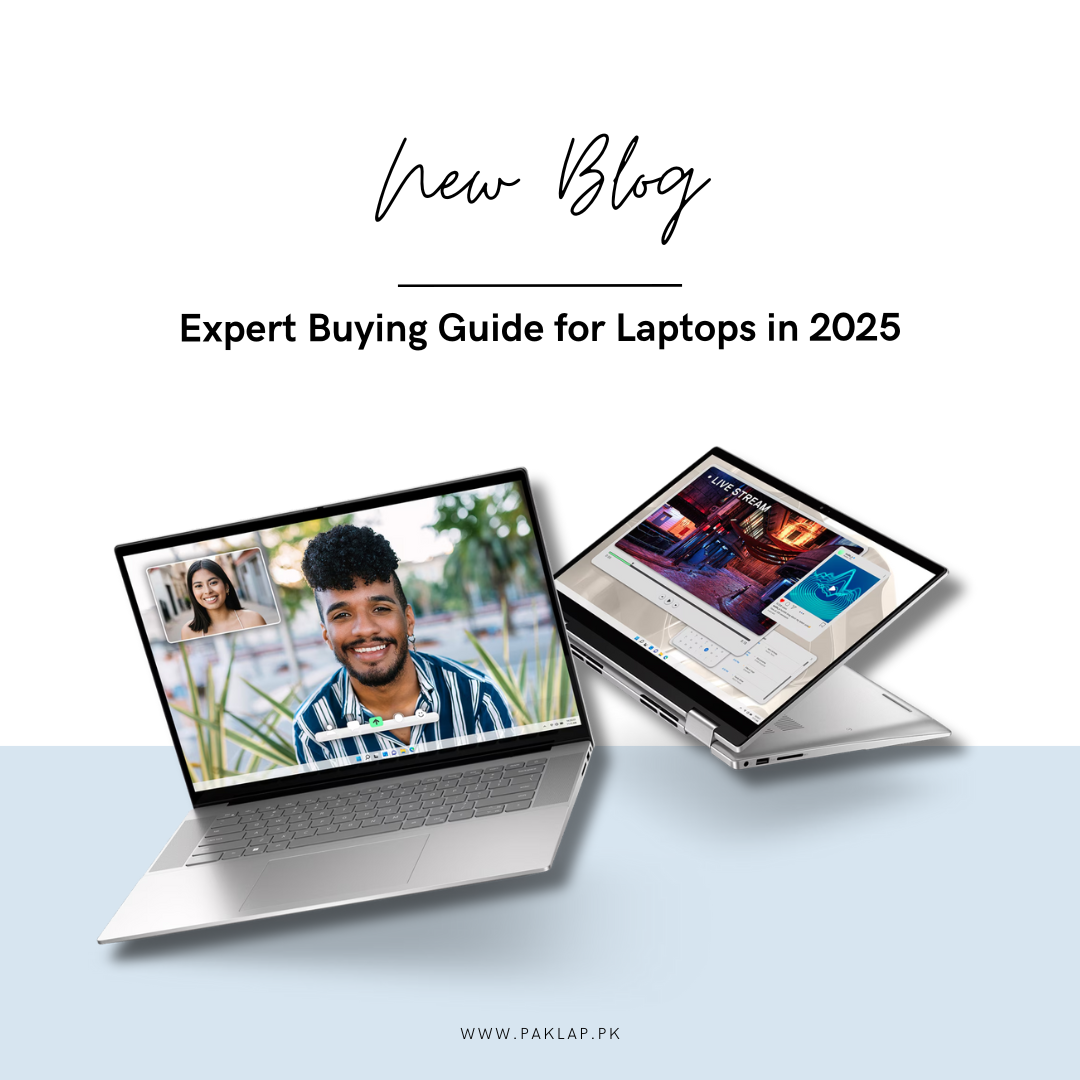
With technology advancing, our expectations are also increasing. We want laptops to keep up with us, not the other way around. Laptops in 2025 are all set to redefine computing with AI-driven performance and cutting-edge technologies in processors, graphics, design, and other components.
Whether you are a gamer who is on the lookout for that edge in their gaming performance or a working professional looking for a boost in productivity. It all boils down to the right choice of computer.
Here is a guide to make your decision easier.
Things to consider when buying a laptop in 2025
When it comes to purchasing a laptop, there are numerous factors to consider. From processing power to display technology, there are plenty of elements that determine your overall computing experience.
Below are some key components that you must know about before making the final purchase decision.
Processor
Intel and AMD have been the market leaders in laptop processors. For the past few years, AMD has been creating waves and ripples with its Ryzen 7000 and 8000 series of processors. The series was known for its strong performance and value for money, giving Intel tough competition. Intel released Alder Lake, Raptor Lake, and Meteor Lake processors, respectively. Both companies gave the audience a powerhouse of processor lineups.
With big announcements, 2025 will most likely be even better. Both companies have announced AI-driven processors. They will be on the pricier side so you don’t have to feel obliged to upgrade. Creators, designers, and plenty of other professionals will be able to make the most out of these processors. Casual users can stick to the older versions unless they have some demanding tasks at hand.
Another popular line of processors that is popular among professionals is the Apple M4 chip, introduced in MacBooks 2024. These chips pack a great deal of power in their tiny size, allowing for a slim and sleek design. They deliver improved speed, faster boot time, swift switching between tabs and apps, smooth operation, and more realistic graphics. Professionals who need to squeeze in more power from a sleek and portable design should opt for M4 MacBooks for sure.
Graphics Load
For Windows laptops, AMD and NVIDIA take the lead, and for Apple MacBooks, M4 graphics take the lead. Integrated graphics have also seen some upgrades
- Team Red launched AMD Radeon 7000 series graphics cards in December 2022. This series had AMD RDNA 3 architecture with the best ray tracing and AI features.
- Team Green launched the NVIDIA GeForce RTX 4000 series in late 2022. This series featured the 3rd Gen RTX architecture with superlative ray tracing and AI-powered visuals.
Both these graphics were introduced in the laptops that came out in 2023 and 2024.
For Apple MacBook, M4 graphics are the latest in line, announced in October and launched in MacBook Pro in November 2024.
Gamers, content creators, designers, and creative professionals should go for laptops with high-end GPUs. This would include GeForce RTX 4060 and above, Radeon 6090 and above. And, for Apple users, the maxed-out version of M1, M2, M3, and the latest of them all, M4 chips should work great.
Display Options for 2025
When choosing the right display option, there are several things that should be looked upon. The screen size, display quality, resolution, brightness, colors, touch, and non-touch.
The display quality and resolutions vary from Full High Definition (1920 x 1080p), 2K Quad High Definition (2560 x 1440p), 4K Ultra High Definition (3840 x 2160p), to 8K (7680 x 4320p). Professionals usually opt for QHD or UHD, but FHD is also a decent option.
In addition, one can opt for HDR display for more clarity and detail in their work.
Best RAM Options for 2025
With the right configuration, laptops can handle demanding tasks and allow you to multitask easily. The right quantity and selection of RAM allow for smooth system operation and swift switching between apps.
8 to 16 GB of RAM should be good for professionals with regular usage, 16 to 32 GB is ideal for those who work with larger files, apps, and games.
As for the type, DDR4 and DDR5 are the latest generation of RAM and are much faster than the previous generations. These RAMs are supported by the latest generation of processors, i.e. the Alder Lake, Raptor Lake, Meteor Lake, and AMD Ryzen processors. If you are facing lags in your computer, it is time to take the leap and upgrade your RAM memory.
Storage Options for Laptops in 2025
You’re probably aware of the importance of RAM and storage for your overall computing experience, but do you know which type will give you the best performance?
There are several storage options to choose from and we will explore them briefly for you.
Hard Disk Drives (HDD) are a conventional form of electro-mechanical data storage device that stores and retrieves data. The most commonly available HDDs are by Western Digital and Seagate. They are more cost-effective and are found in budget laptops.
Solid-State Storage Drives (SSD) are a type of storage devices that use integrated circuits to store data. They are more compact than the conventional HDDs and have faster read and write speeds. Gaming laptops and other high-end computers usually have SSDs for storage.
External Storage Options include external HDD, external SSD, and USB drives. These options can be availed for added storage.
Until and unless you are on a budget, it is best to go for an SSD. The ideal quantity that the users should be targeting would differ from user to user depending on the usage. In reality, most users only need a tiny fraction of their hard drive space for everyday applications. Typically around 256 - 512 GB of SSD should be sufficient.
Popular apps like Microsoft Office and Google Chrome use relatively small amounts of storage (around 100 to 500 MB). However, if you plan on using your laptop primarily for tasks that utilize large data files or multiple programs open simultaneously, such as photo editing or video production, having large storage is crucial. It is best to go for a minimum of 512 GB of SSD or more for heavy usage.
Portability
Businessmen and most professionals are on the lookout for a portable and high-performing computer that will let them access their work files and data and stay connected on the go. There are a few factors that determine how portable your laptop is, and they are as follows.
- Weight
- Ports
- Battery
If you are someone who has to use their laptop while on the go, it is suggested that you go for one that weighs 4 pounds or less. The premium laptops are now designed keeping portability in mind, so they are slim, sleek, lightweight, and therefore easy to carry around. They also have plenty of ports to keep you connected. MacBook, for that matter, is also a great option for professionals on the go.
You cannot remain plugged in when you are out, thus having a reliable battery backup is also necessary for portability. In case, there is no power available, it should at least have a backup of 5 hours or more, to ensure work doesn’t get hindered. And, the Quick Charge feature lets you recharge the battery in less than an hour.
Top Picks for 2025
Here are the top picks for the year 2025 and the reason why they make it to the list.
- Apple MacBook Pro M4: AI-enhanced performance, unmatched speed.
- ASUS ROG Strix G16: boasts up to Intel Core i9 14900HX and AMD Ryzen 8000 series processor. For graphics it features up to NVIDIA RTX 4080 GPU for gamers.
- Lenovo Yoga Slim 9i: Ultra-portable with AI-driven features.
- HP Omen 16: Perfect for gamers with next-gen AMD Ryzen AI processors.
- Dell XPS 14: AI-driven performance to deliver ultimate power in a lightweight design.
With that note, it is safe to say that 2025 will be all about AI, and with everyone taking advantage of it, you will experience the future!
Keep an eye on all the updates and stay connected with Paklap blogs.





