

Buying a laptop is exciting and all until you’re stuck choosing between choosing the right one. One has a faster processor, the other has extra RAM, and the third one gives you higher storage. We kid you not, the choice is infuriating! The worst part is that nobody guides you right.
One person says go for the processor. The other tells you that memory is the real game-changer. While someone else swears that an SSD can alter your whole experience. Too many opinions; but who’s actually right?
Truth be told, all three components matter, but they matter differently in terms of priority. And no, it’s not a subjective thing that you randomly pick one and call it ‘better’.
In this blog, we’ll uncover the great mystery of which component matters more. Stick with us till the end to know how these parts work together.
Processor vs RAM vs SSD - Which One Matters Most?
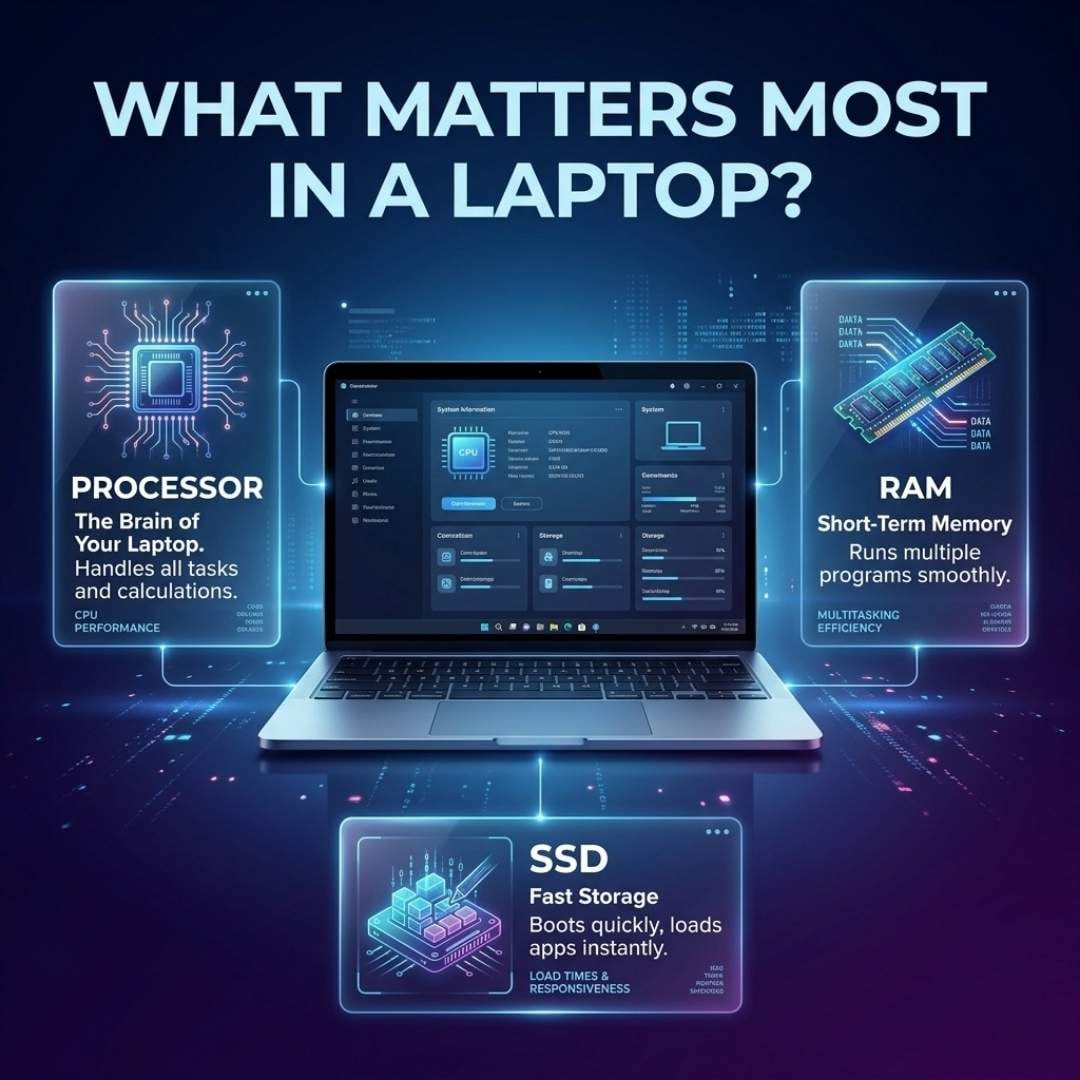
Component | Processor | RAM | SSD |
Rank | 1st | 2nd | 3rd |
Purpose | To execute commands using mathematical operations | To temporarily store active data that might be needed for task execution | To permanently store data electronically without relying on mechanical parts |
Core Function | Handles all tasks, decisions, and operations | Allows you to access/open multiple apps and tabs simultaneously | Stores your files, apps, and all the system’s data |
Relevance | Without it, nothing really runs properly | Determines how smooth overall operations feel | Affects how quickly everything loads and opens |
Processor - The Control Centre
The processing chip is the most important component in a computer. It’s literally the brain of the machine, which performs every single calculation to handle operations. From opening an application to rendering a video and from switching between tabs to running games, the processing unit manages it all.
No amount of RAM or SSD is enough to cover up for poor performance by an outdated processing chip.
Why does it matter the most?
For starters, it determines your device’s raw computational ceiling. In basic English, it decides how smoothly your computer will run.
Broadly speaking, a chip that’s loaded with multiple cores and threads would make your overall experience more fluid, compared to a chip that lacks them. Not just the number but also the quality (type) of cores make a world of difference.
A chip with regular cores, for instance, won’t be as snappy as the one with P cores and E cores. As far as Qualcomm and Apple are concerned, you should ideally be looking for Prime and Super cores now.
So if you’re buying an older model with an outdated chip (say, the Intel Celeron), it’ll for sure give you a tough time. How so? First, it won’t support multitasking or long-term use. And second, AI will be out of the scene. You might even face serious software compatibility issues because modern apps need heavy graphics and processing power.
RAM - The Multitasking Zone
In second position, we’ve got RAM, which is often misunderstood as the real MVP of a laptop. It’s a fair misunderstanding considering that it stores all the memory to hold, pass, and receive data that’s used in computing.
In our opinion, if there’s any component that burns out the most (after the processor, of course), it’s the RAM. But does this statement justify the concept of ‘the higher the memory, the better’? Now, that’s a controversial question.
You see, there’s a thin line between memory and storage. One holds data temporarily only for the central processing unit to access it within milliseconds, while the other stores it permanently (for safekeeping).
However, the memory chip is dramatically faster than the storage. So if you don’t have enough memory capacity, your basic operations will take the hit. The most common consequences of low capacity are crashes and stutters. The responsiveness of your system will suffer, and the overall experience will just feel heavy.
That is that for insufficient capacity, but what about excessive capacity? Sure, the extra GBs won’t slow down your laptop or anything. But they won’t do much for performance either. So, let’s say you needed 32GB but bought 64GB; the additional capacity will just go to waste.
SSD - The Storage
All the work that you’ve ever saved is stored in your notebook’s solid-state drive (which ranks third, by the way). No kidding - your documents, photos, apps, games, browser, you name it, the SSD has it. So it’s like a major asset of your machine. But still, it’s not as important as the CPU and memory, because it doesn’t impact your active performance (not majorly, at least).
The drive directly impacts your notebook’s boot times (as in how fast the system starts). It also affects the launch of different apps or programs, and in that sense, it determines how snappy your notebook is. But apart from determining the speed of loading and access, a solid-state drive doesn’t have much of a hands-on contribution. That said, the drive can act in place of RAM when memory capacity runs out. The CPU basically fetches information from the drive as a last resort, though it’s not as ‘fluid’ and will possibly result in frequent stutters.
So, should you really be investing in sufficient storage when it ranks last of the three? We’d say do it! Now, when it comes to solid-state drives, you have two options - NVMe or SATA. The general capacity is the same for both storage drives; however, NVMe will give you faster boot times.
How the Processor, RAM & SSD Work Together?
Now that you know which component matters most in a laptop. But little did you know, they all rely on one another in one way or another. Here’s how.
- The moment you launch an app, the operating system requests the SSD to locate relevant data regarding that app.
- After reading the files and fetching relevant data, the SSD sends it to the main memory (launching the app).
- The moment data reaches the main memory, the application pops open on your screen, and the CPU gets to work.
- The CPU reads the commands you throw at it and executes them by running logic and calculations.
- To execute these tasks, the CPU takes and sends information to and from the RAM at extremely high speeds.
- Once the CPU executes a task successfully, it sends the result to your display, which (if you save) goes back to the drive.
- In case the RAM runs full, the CPU decides what to fetch from the drive and coordinates with it as the secondary lead.
Final Verdict
To sum it up, the processor is the most important component of a laptop. But in no way does that make memory and SSD irrelevant. In fact, if a laptop can’t function without a processing chip, the processing chip can’t survive without memory and storage. It’s all interconnected.
Remember, storage loads → RAM holds → CPU processes → storage saves again. So the next time you’ve got a tight budget and need to choose, focus on the central processing unit, then memory, and lastly, storage. This order will let you derive the maximum value out of that device for years.





