

Do you know what’s more irritating than a slow Wifi connection? When your internet is working fine but your screen keeps lagging. That slight interruption in processing can become the root cause of your stress which keeps building with every buffer.
Imagine facing this issue every single day because you invested in a laptop with a low refresh rate. Horrifying, isn’t it? On the contrary, there’s a monitor with an excellent refresh rate, but the charging keeps getting down, affecting the battery's health in the long run. That’s not something you would want to invest in either.
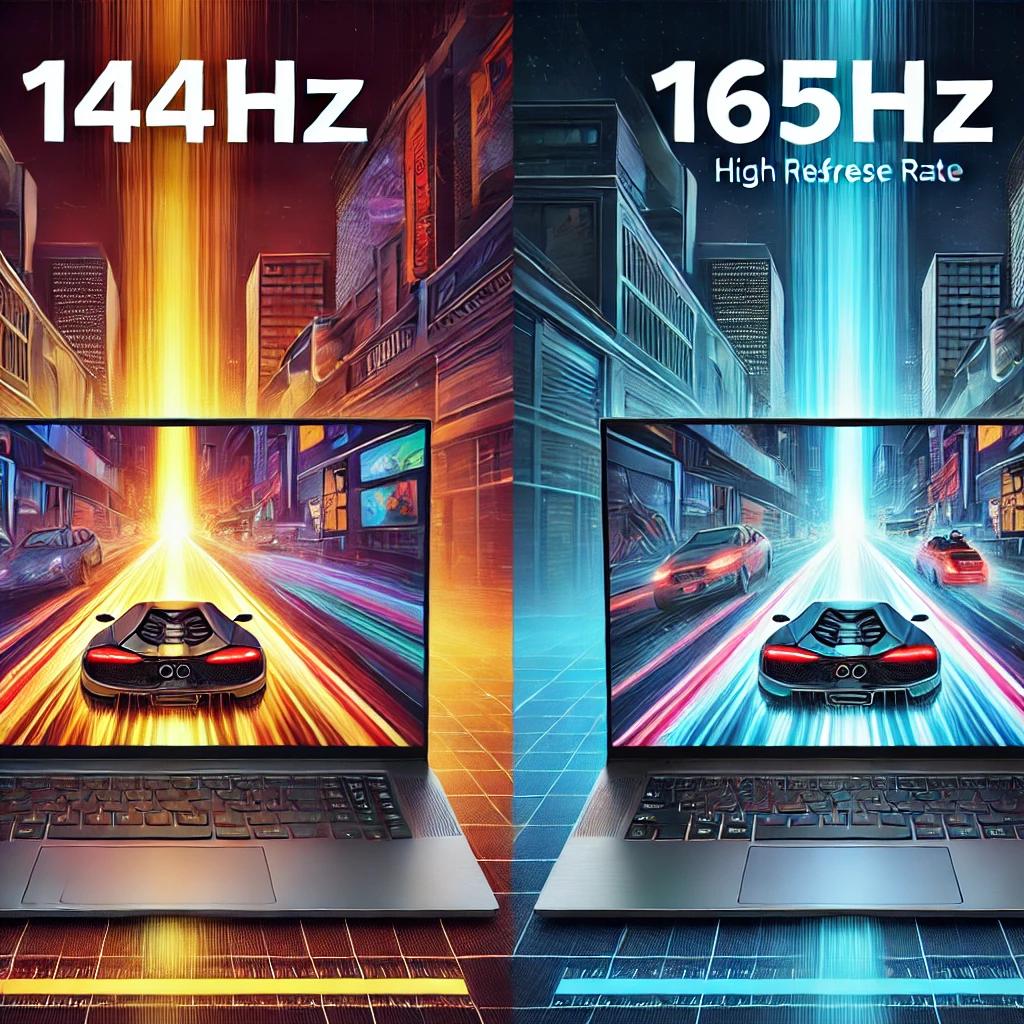
So what’s the middle patch here? Generally, pros prefer devices that are either 144Hz or 165Hz, considering they work better than the measly 60Hz or gigantic 480Hz. Now you must be thinking why would someone settle for 144Hz when there’s the option of 165Hz or vice versa? And that right there is the tea we’ll be spilling today, so stay with us till the end.
What is a Refresh Rate?
By definition, refresh rate (unit Hz) denotes the number of times, within one second, an image or video refreshes, rebirths, or reappears on a screen. Think of the image or content on the display as perishable. It decays before the blink of an eye and turns blurry, affecting the overall visual quality.
If not rejuvenated on time, the visual content will turn soggy and lag the processing. To overcome these blur busters, the GPU and CPU create a force to add newness to the existing material displayed. This force is what adds smoothness to your visuals by eliminating monitor ghosting and under-pixelation.
Difference Between 144Hz and 165Hz Laptops
For someone who has suffered a 60Hz display and then upgraded to anything above 120Hz, the difference between a 144Hz and a 165Hz computer is highly noticeable. Let’s see exactly what more you should expect from this difference.
Graphics
The biggest disadvantage of a low FPS laptop is compromised graphics quality. Regardless of how brilliant the graphics are or how good the pixelation is, if the display isn’t smooth, you’ll end up with a stuttering mess in front of your eyes. While 144Hz delivers sufficient smoothness; with a 165Hz computer, you can break all barriers. The 165Hz display is more powerful and hence perfect for graphic designers and photo-editors who want to view the actual illustration without distortion.
Performance
If you think that the performance of a PC is solely dependent upon the processor, let us correct you, there are multiple factors. One of these factors deciding laptop performance is the frame frequency. Since it is the reason for motion blurriness, a high vertical scan rate can ensure processing in one go. While a 144Hz laptop demands a high FPS from the backend, it still doesn’t perform as fast as a 165Hz one which draws more power from resources.
Experience
When it comes to user experience, the refresh rate determines the responsiveness of your monitor. Now, there’s a clear dissimilarity between smoothness rate and response time, but the response quality of a PC is openly linked with the vertical scan rate of your device. So with a device featuring a 144Hz rate, you should expect excellent responsiveness.
However, it’s not as brilliant as that offered by a 165Hz device which exhibits the most frames at a time, forwarding the process faster. This feature makes a 165Hz laptop ideal for gaming as responsiveness and speed are the key to winning a game.
Similarities Between 144Hz and 165Hz Laptops
Noobs might not consider the variance between 144Hz and 165Hz as significant, which is fair, considering the latter processes an image only 21 times more. There are other similarities which draw an extremely thin line between the two rated PCs.
Hardware
Most of the hardware remains the same in devices differing in frame frequency. This is because the refresh rate is an aspect of the screen. Hence, it doesn’t affect the lower-level hardware of a laptop like keyboards and touchpads. It’s the CPU, GPU, and monitor that collaborate to deliver a higher smoothness capacity than others, due to which only these aspects are more powerful in a 165Hz laptop than a 144Hz one.
Functionality & Features
The features of a 144Hz and a 165Hz laptop are the same. For instance, if you’ve got two laptops of the same model but with varying anti-blur rates, you will still have the same functions in both. All the built-in software will be there and the functionality of programs won’t be affected (other than in terms of screen flow).
Connectivity
The FPS of a laptop does not, in any way, affect its connectivity with other devices. You might face a little visual stutter while connecting, but that won’t affect the performance. Therefore, your paired gadgets will not face motion blur or lagging by the frame frequency. Also, you will witness no dissimilarities in the performance of the connected devices regardless of having a 144Hz or 165Hz refresh rate.
Importance of Smooth Visuals in Laptops
The first reason why people are willing to spend extra on high refresh rate PCs is the visual appeal. It’s a common understanding that if you’re paying hundreds of dollars for all the components, better pay a bit above for better screen quality. Yet, only professionals consider this difference between 144Hz and 165Hz when buying monitors.
The 14.5% variance between these refresh rates also makes sense to some people because they know that each point affects the pace of your work. Good graphics are hard to come by on their own, mixed with a bad frame frequency, you get a recipe for a visual disaster.
Final Verdict
If you're still confused about whether that extra smoothness is worth it, allow us to put you out of this misery. The 165Hz device is perfect for hardcore commercial use, like for those who need the speed and the graphics. Professional gamers, freelancers, photographers, and videographers fall within this scope and the difference would be visibly beneficial for them.
But if you’re not that heavy of a user, and only require a laptop for casual streaming or light typing with no regard for the picture quality, the 144Hz laptop is also good. It works fine, might attempt to lag (attempt being the keyword here) but delivers what it's asked for otherwise.





